TEMPO
TEMPO
 SUNCLAX
I Spent 9 Years in OmniFocus. Then I Switched to a Text File
Nine years with OmniFocus
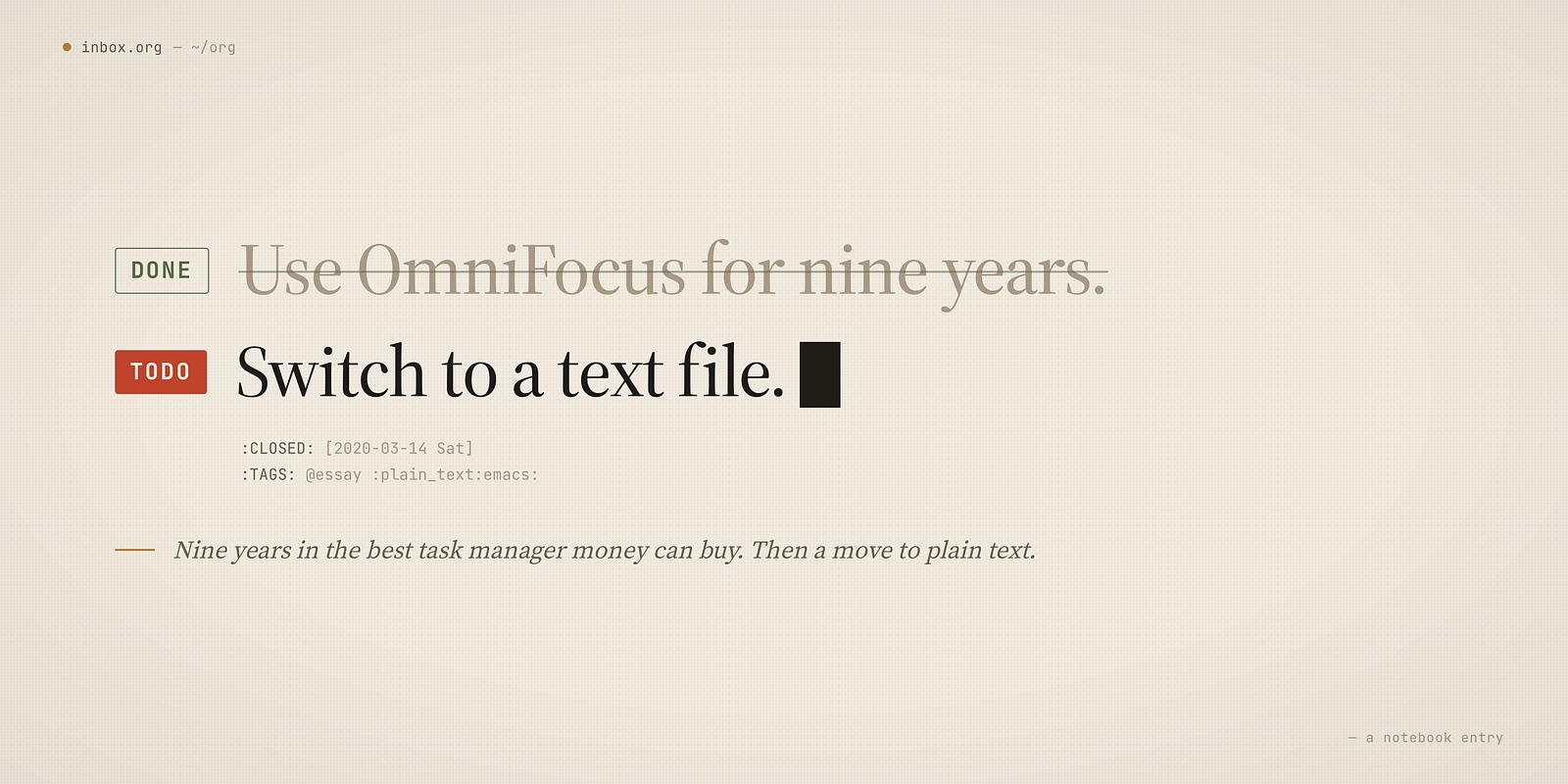
I started using OmniFocus around 2011. For nine years it ran my life — until I moved everything to org-mode in 2020. And I want to be clear up front: it is an outstanding piece of software. If someone asked me today for the best task manager money can buy, I would still say OmniFocus without hesitating.
It nails the things that matter. Inbox capture is instant. The project model is sound. Defer dates, review cycles, perspectives — the whole GTD machinery is there, polished to a shine. And the mobile app is genuinely excellent: capture on the go, review on a train, check a context while standing in a shop. For years that was exactly the view of my life I needed, and it delivered. Every project I ran through it reached a result. Nothing fell through the cracks.
So this isn’t a story about a tool that failed me. It’s a story about a tool that worked — and about a kind of friction I only noticed once I went looking for it.
The friction nobody mentions
Here’s what I started to feel, day after day: I was spending a surprising amount of time moving between views.
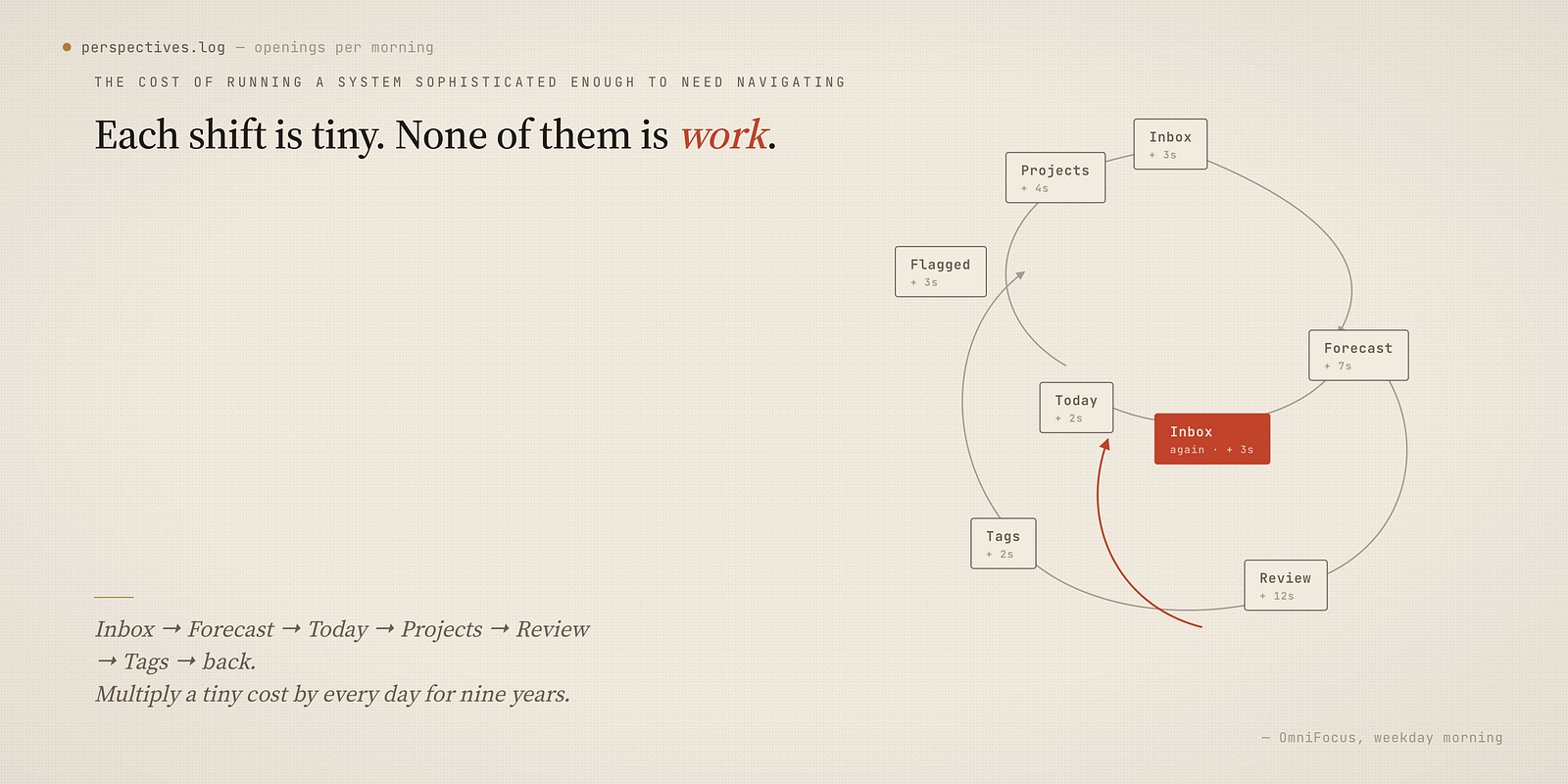
OmniFocus is built around perspectives — saved filters that slice your tasks by context, project, tag, availability. They are powerful. But powerful means many. I’d open the app and start shifting: Inbox, then Forecast, then a custom perspective, then Projects, then back. Each shift is tiny. None of them is work. They are the administration of work — the cost of running a system sophisticated enough to need navigating.
Multiply a tiny cost by every day for years and it stops being tiny.
I kept circling one question I couldn’t shake: what if the system were simpler? Not less capable — simpler. What if my tasks lived closer to the actual work, so I didn’t have to travel to them?
Why Org-mode
I already lived in Emacs for everything else. Org-mode was sitting right there, and the pitch was obvious: tasks are just plain text in .org files. No database, no sync engine, no proprietary format. A task is a line. A project is a file. The agenda is a query over those files.
The honest blocker was mobile. OmniFocus’s phone app was the thing I’d leaned on for nine years — I wasn’t going to give up capture-on-the-go.
BeOrg solved that completely. It’s an iOS app that reads and writes plain Org files straight from iCloud (or Dropbox). Capture to an inbox, tick off TODOs, browse the agenda — on the phone, offline, syncing back as plain text. The moment I confirmed mobile capture still worked, the last reason to stay evaporated.
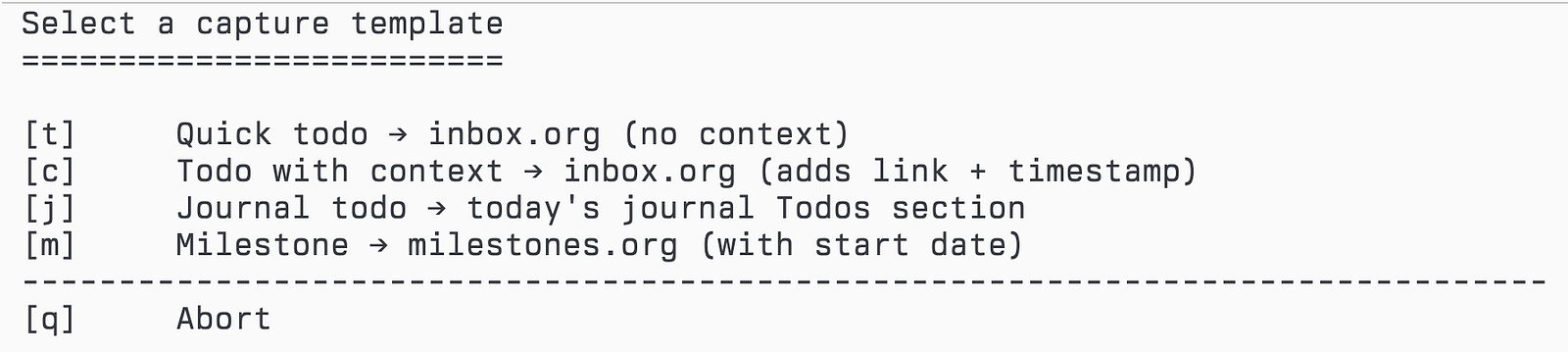
Capture on the desktop side stayed deliberately boring — one inbox file, one template:
# elisp
(setq org-default-notes-file
      (expand-file-name "inbox.org" org-directory))

(setq org-capture-templates
      '(("t" "Quick todo → inbox" entry
         (file org-default-notes-file)
         "* TODO %?")))
C-c x t, type the thought, done. BeOrg appends to the same inbox.org from my phone. One inbox, two devices, zero translation.
The real reason: tasks where the work is
Mobile was the blocker. But it wasn’t the reason. The reason was this:
When I work on a project, I am already inside its directory and its files. With Org-mode I could just write the task right there, in context — no switching apps, no re-finding the project in a separate tool. Every project got its own roadmap file,
ROADMAP.org, and the agenda simply collected them all.
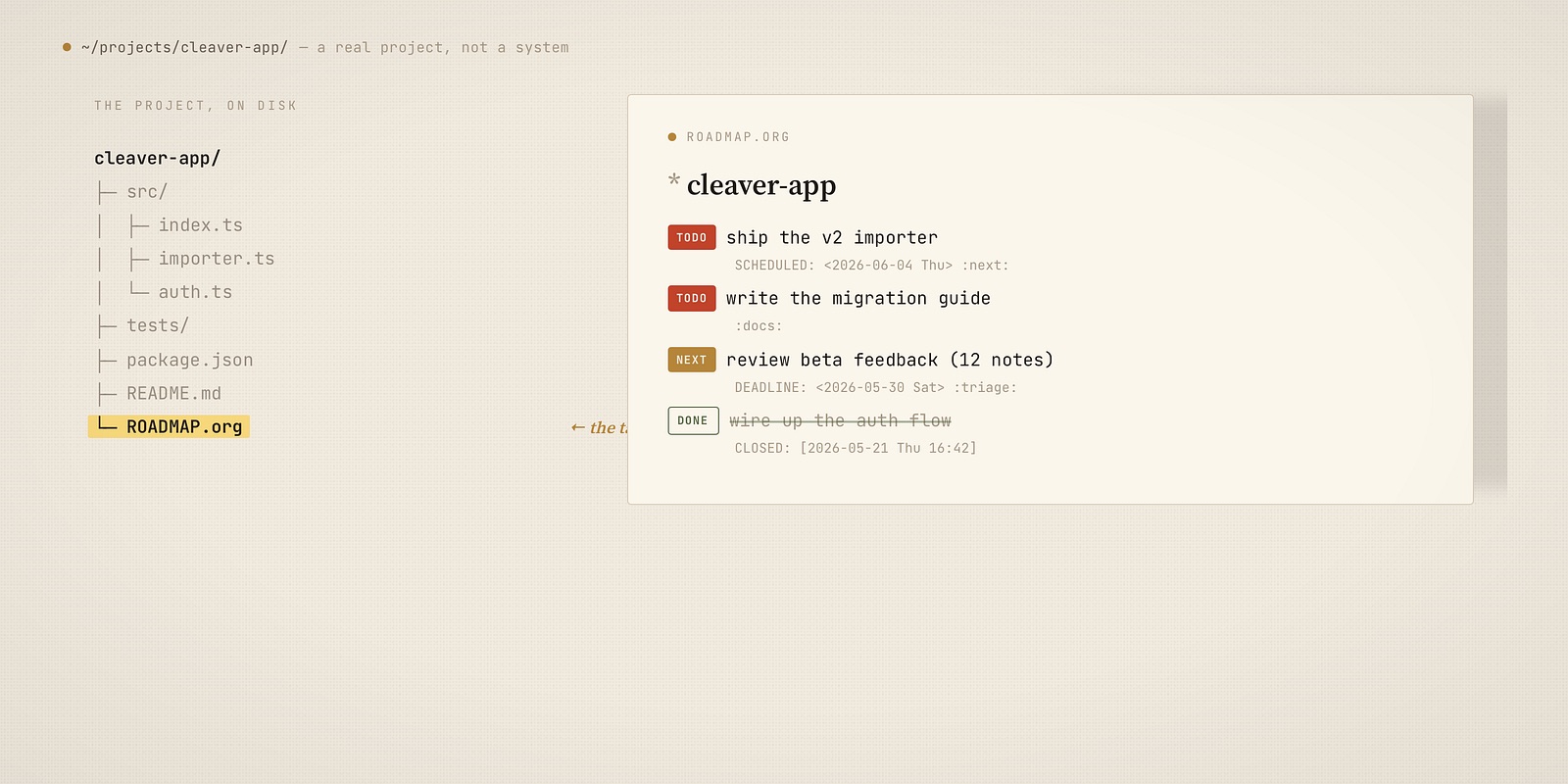
That’s the thing perspectives never gave me. The task didn’t live in a tool I had to visit. It lived next to the work, and the agenda came to it.
This single change removed almost all the view-shuffling friction at once. There was no “open the task manager” step anymore. The task manager was the files I was already editing.
The lesson that reshaped it: don’t make the agenda crawl
My first instinct was to scatter ROADMAP.org files literally inside each code repository. It felt pure — the roadmap living beside the source.
It was also a mistake, and Emacs told me so. Every startup got slower.
The reason is simple once you see it. The Org agenda builds its file list by scanning directories. If you point it at a tree that contains code projects, it recursively walks into node_modules, .git, build/, vendor/ — thousands upon thousands of files — on every agenda build. Either you maintain a careful exclude list forever, or you accept a slow start. Both are the system administering itself again. The exact thing I was trying to escape.
So the structure evolved. Instead of roadmap files scattered across code repos, I moved to a single, dedicated notes directory and gave every project its own Denote note inside it.
Denote is a minimal note-taking package: every file gets a timestamped, keyword-tagged name, and that’s basically the whole idea. The setup is small:
# elisp
(use-package! denote
  :config
  (setq denote-directory "~/org")
  (setq denote-file-type 'org)
  ;; Lifecycle keywords — project / area / resource / archive
  (setq denote-known-keywords
        '("project" "area" "resource" "archive"
          "reference" "meeting" "idea" "someday")))
Each project is one Denote note, tagged project, with a predictable inner structure — goal, next actions, someday. The agenda only ever scans this one directory, and that directory contains only notes. Nothing to exclude, because there’s no node_modules within a hundred miles of it:
# elisp
;; Skip dotfiles; only ever scan the notes directory — never code repos
(setq org-agenda-file-regexp "\\`[^.].*\\.org\\'")
(setq org-agenda-files
      (seq-filter
       (lambda (f) (not (string-match-p "/templates/" f)))
       (directory-files-recursively "~/org" "\\.org$")))
Yes, I gave up a little of the “task literally beside the source file” purity. What I got back was a system that starts instantly and never needs tuning. That trade was obviously correct, and Denote is what finally made the whole thing feel simple rather than merely plain-text.
Sync: stop overthinking it
For a while I synced everything with Syncthing. It works, and if you have machines that never touch a commercial cloud, it’s still a fine choice.
But for plain Org files it’s honestly overkill. These are tiny text files. There is no database to corrupt, no schema, no merge engine required. So I let the obvious tool do the obvious job: the notes directory lives in iCloud Drive. BeOrg reads the same iCloud folder on my phone. Google Drive would do the job just as well.
Plain text is the feature here. Any sync works, because there’s nothing clever to sync — just files.
The payoff I didn’t plan for: plain text in the age of AI
When I switched in 2020 I wasn’t thinking about AI at all. It has turned out to matter more than anything else on this list.
Org-mode doesn’t delete finished work — it archives it. Hit C-c C-x C-a on a completed task and the whole subtree moves to an archive file: the heading, the CLOSED timestamp, the priority, the tags, and every note you attached along the way.
# elisp
;; Completed tasks move to a dated archive, not the void
(setq org-archive-location "~/org/archive/%s_archive::")
Think about what that archive actually is. Git history tells you what changed in the code. Your Org archive tells you what you decided to do, why, and that it got finished — intent and outcome, in your own words. It’s a different and in some ways richer log: the project’s memory, not just its diff.
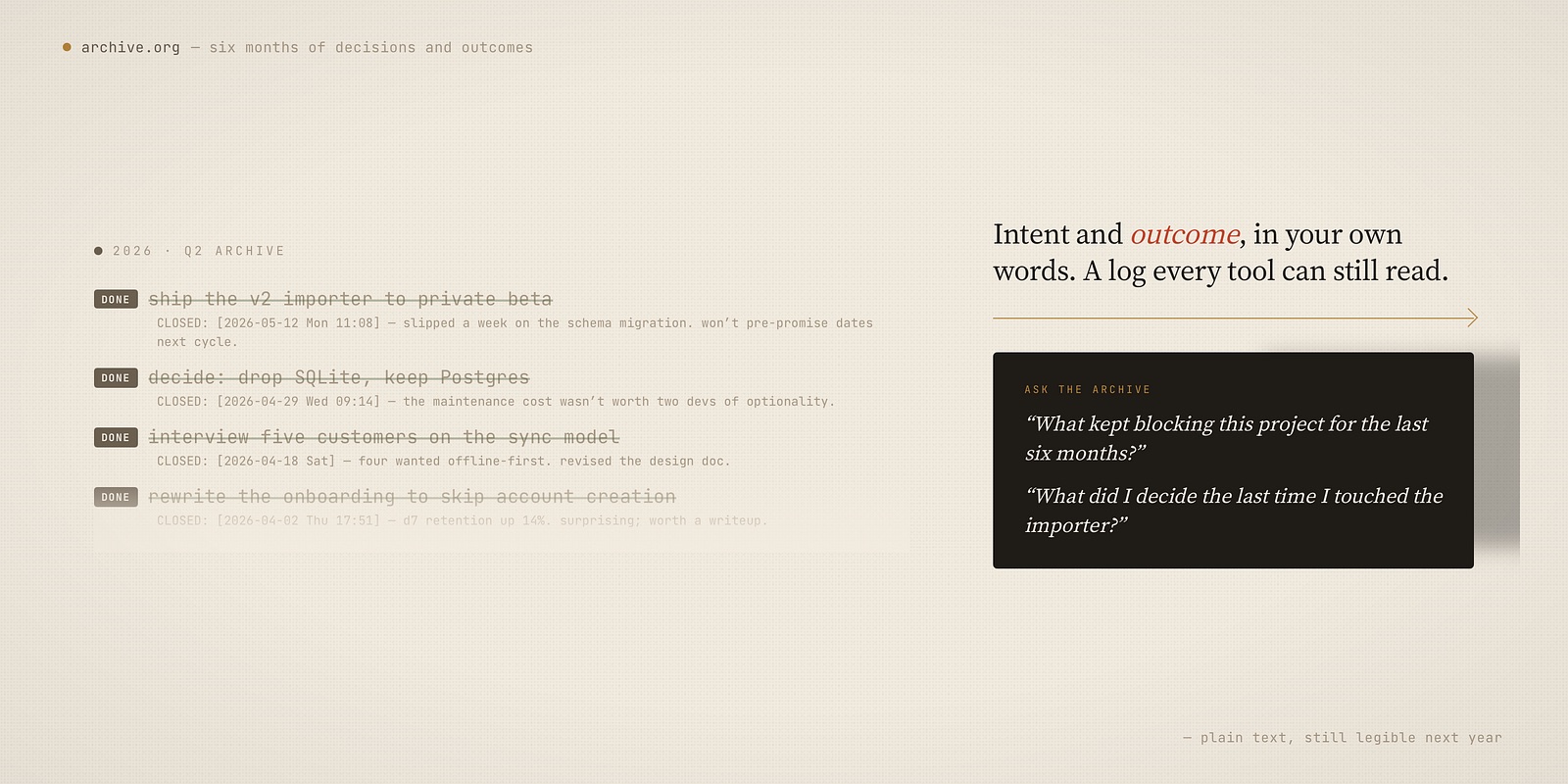
And because it’s plain text, an AI can read all of it. I can hand a model six months of archived tasks and ask real questions: what kept blocking this project? where did the time actually go? what did I say the last time I touched this? The archive stops being a graveyard and becomes an input — each new phase of a project starts with its own history as context, for me and for the model.
A proprietary task database can’t do this. Its history is locked inside a format only the vendor’s app understands. Plain text stays legible to every tool — including the ones that didn’t exist when you wrote it. That’s the quiet, long-term reason plain text wins: you aren’t choosing a format for today’s app, you’re choosing one next year’s tools can still read.
Org-mode runs the tasks. Outcomes I still plan by hand.
It would be tidy to end here with “and now everything lives in Org-mode.” It wouldn’t be true.
Org-mode runs all of my tasks and my entire agenda — capture, projects, deadlines, the daily review. That’s the execution layer, and it is fully digital. But the layer above tasks — outcomes, the small number of things that actually decide where a quarter goes — I still plan by hand.
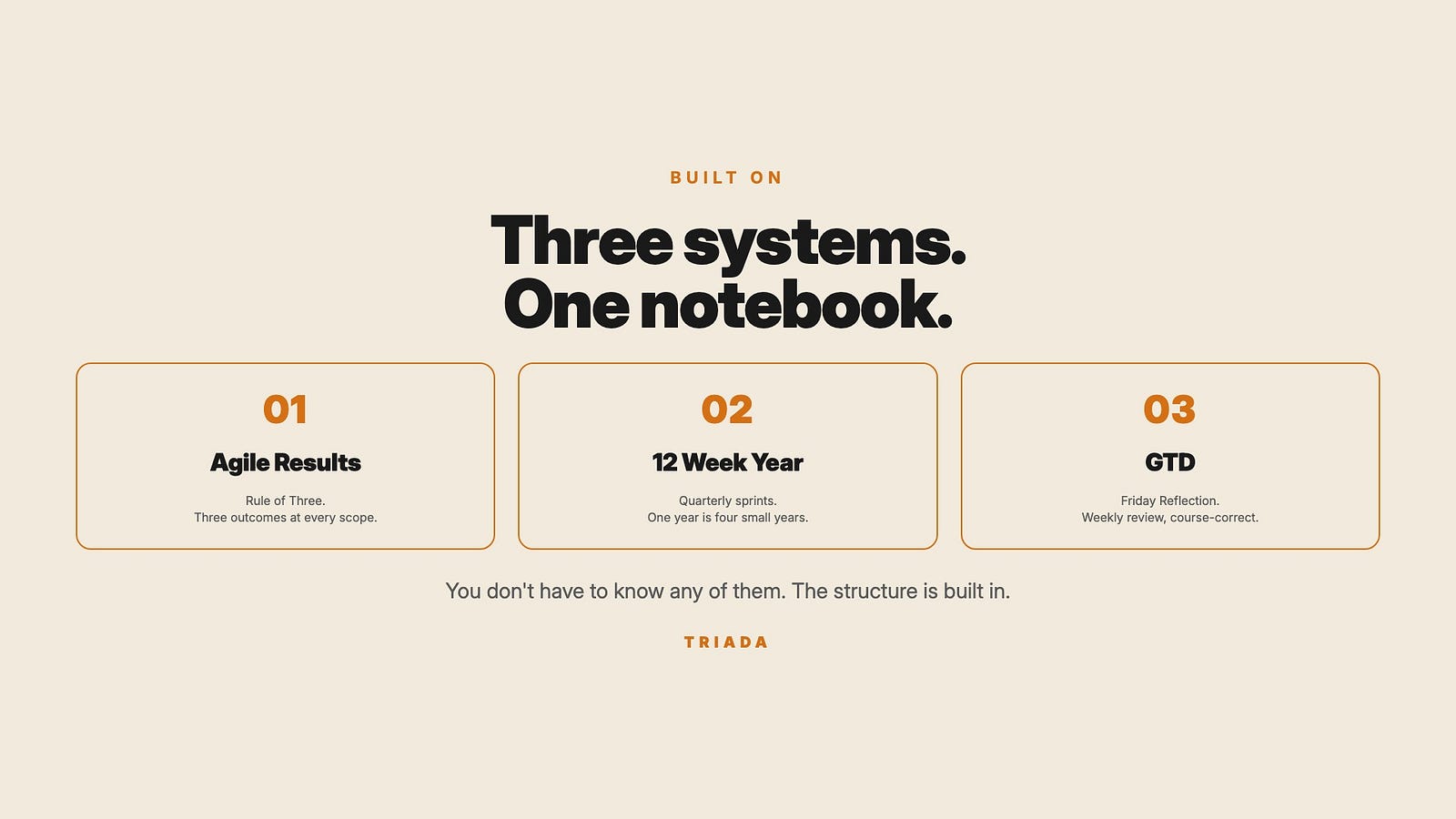
For that I use TRIADA, a planner I built for my Kindle Scribe after seven off-the-shelf planners failed me by April. The name is the idea: three. Three daily outcomes, three weekly, three monthly, three yearly. The constraint is the whole point — three forces a real decision instead of a wish list. And outcomes get written in the past tense: not “ship the report” but “I shipped the report, and now I can…” — which pulls the focus onto impact instead of motion.
Why keep that part analog? Because tasks and outcomes deserve different rituals. Tasks want to be fast, queryable, automated — Org-mode, exactly. Outcomes want to be slow. Handwriting on e-ink, with no notifications and nothing to click, is friction in the good direction: it makes me sit with the question of what actually matters before Org-mode fills the week with motion.
So the real system is two layers. TRIADA, by hand, decides the three outcomes. Org-mode, digital, executes every task beneath them. Plain text didn’t replace paper — it freed paper to do the one job it is still best at.
Was it worth it?
Honest tradeoffs, because there always are some:
- OmniFocus is more polished. Its mobile app, its review mode, its defer/forecast UX — all genuinely better than anything I assembled. If you want a system that works perfectly the day you install it, buy OmniFocus and stop reading.
- Org-mode is a project, not a purchase. I spent real time getting capture, agenda, and Denote to fit. You’re reading this so you can skip some of that — but not all of it.
- You need Emacs in your life already. I didn’t adopt Emacs for tasks; I already lived there. If you don’t, the math is completely different.
What I gained: my tasks stopped being a place I visit. They’re plain files next to my work, queried by one agenda, synced by a folder. The view-shuffling tax — small, daily, nine years long — is just gone.
OmniFocus didn’t lose. I simply wanted less system, and plain text was the only thing that could give me that.
The full Org and Denote config lives in my dotfiles — Take what’s useful.
Thanks for reading. I write about plain-text living, Emacs, and owning your own tools — if that’s your thing, follow me on X so the next one finds you: https://maxclax.com/go/x/
The setup behind these posts (dotfiles): https://maxclax.com/go/dotfiles/
Related: