TEMPO
TEMPO
 SUNCLAX
I Moved My Journal from Day One to Plain Text
I’ve kept a journal for years. Most of it is ordinary — what the day was like, something my kid said, a place I ate, a thought I didn’t want to lose by morning. For a long time all of that lived in Day One. This is the story of why it now lives in plain text instead, and what I kept along the way.
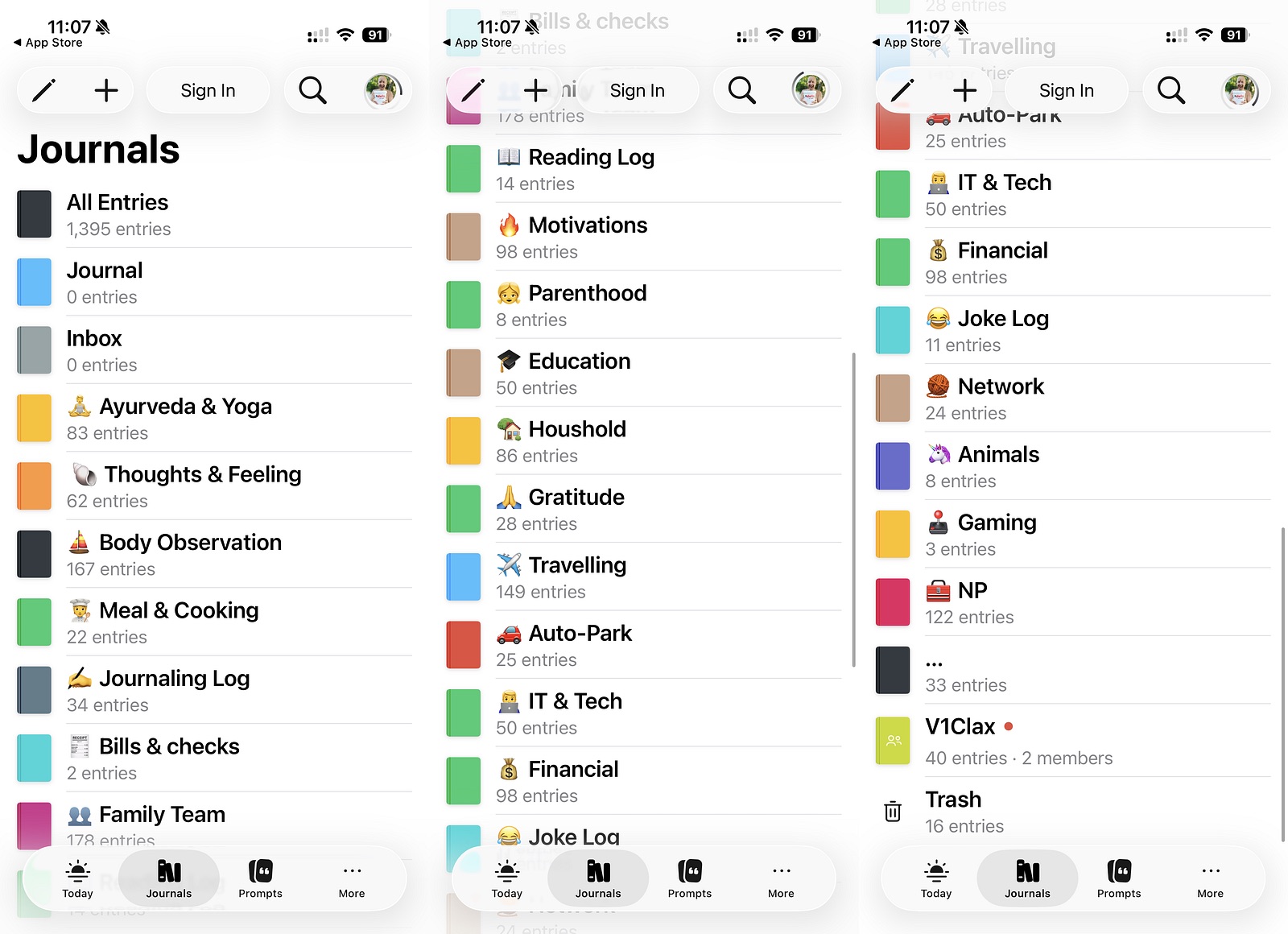
Years in Day One
Day One is a lovely app. The typography, the photos, the gentle On This Day that surfaces an old entry — for years it was the last thing I opened before sleep. I have no complaint about how it felt to use.
What started to bother me was where the words lived. A journal is the one file you really do expect to outlive everything — the phone, the laptop, the company that made the app. The longer mine sat inside one vendor’s database, the more I wondered what happens to all those years if the app simply goes away one day.
There was a smaller, everyday frustration too. I kept wanting to use the journal the way my mind actually works — to scribble a to-do on the fly, right in the middle of an entry, the moment it occurred to me. But in Day One a task written inside an entry is just a sentence. Nothing picks it up, nothing reminds me. The diary could hold the thought, but it could never hand it back to me when I needed to act on it.
So I tried to export, which is when you find out what you actually own. Apple’s Journal app wouldn’t really let me out at all. Day One let me out, but into a shape that was theirs. The entries were about my life, yet I couldn’t open them in something simple and read them in thirty years. That was enough to make me move.
The journal was the last holdout
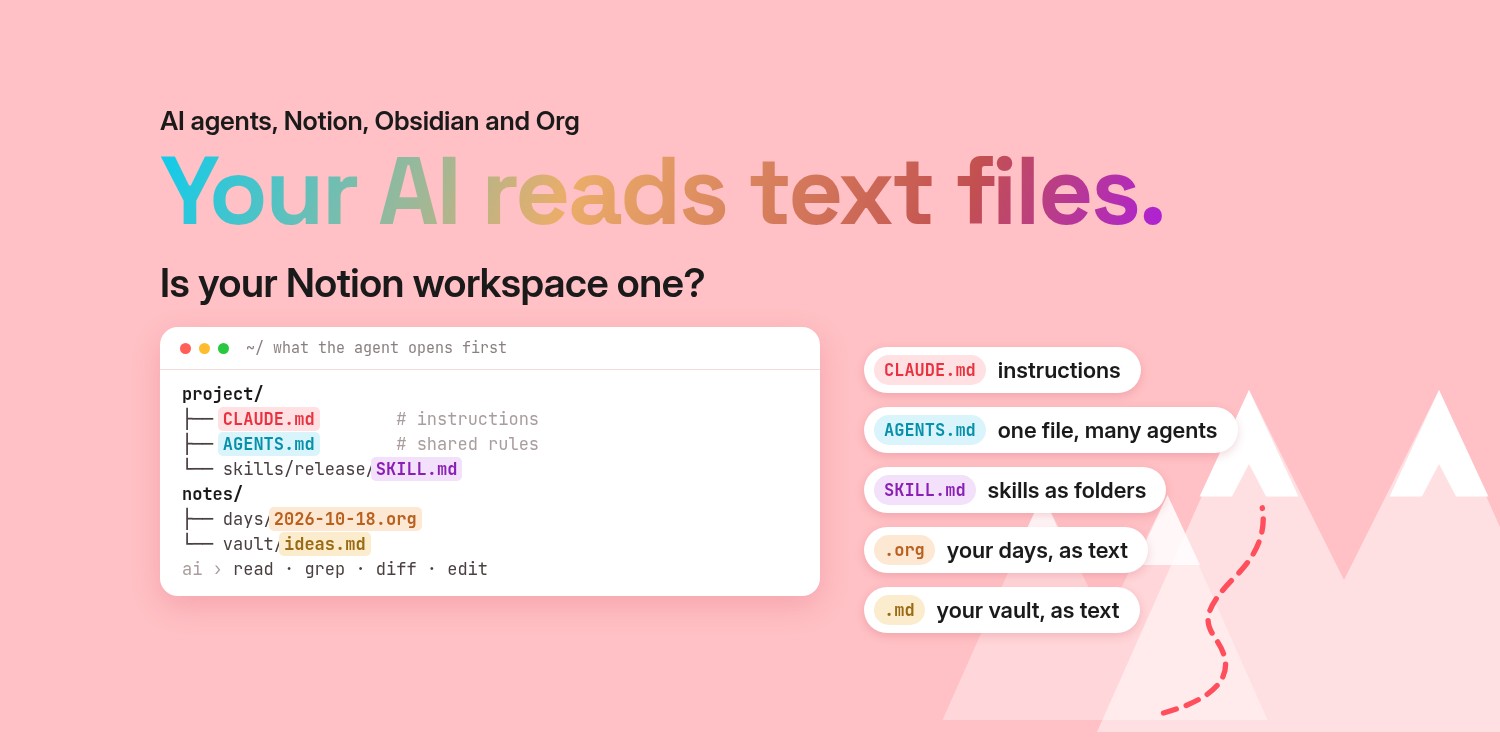
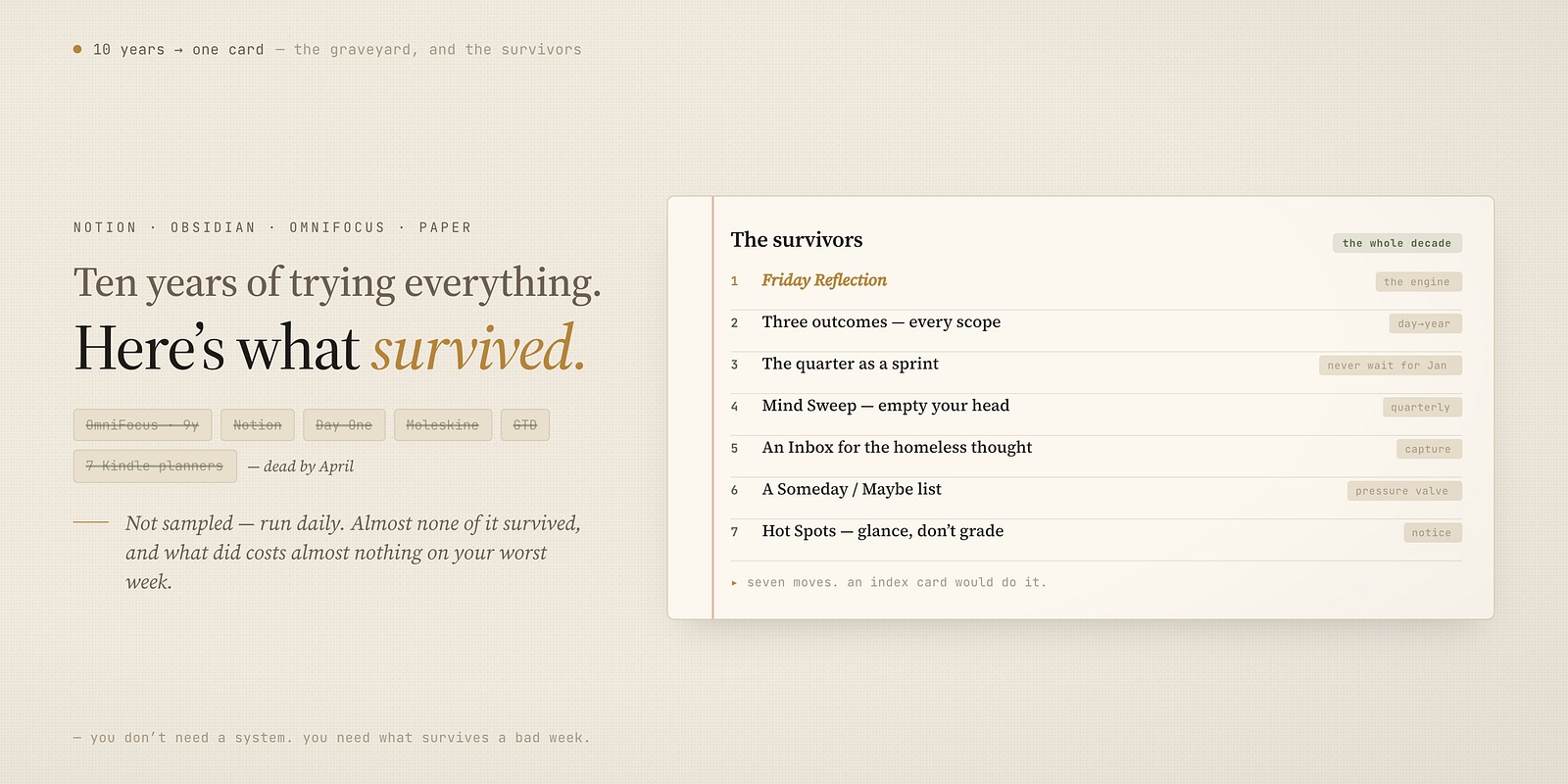
The journal was actually the last thing to move. A while before this I’d already pulled my tasks out: I Spent 9 Years in OmniFocus. Then I Switched to a Text File. Once my whole task system was plain text I could read, link, and own, keeping the journal locked inside a separate closed app started to feel out of place.
And honestly, wanting my journaling in the same place was part of what pushed me off OmniFocus to begin with. I was tired of one app for the day’s work and a different app for the day’s life, each with its own export problem. What I really wanted was one plain-text world for both — the tasks, the notes, and the journal living as files I control. Moving the journal was just the last step toward that.
The life journal: one file, written on the phone
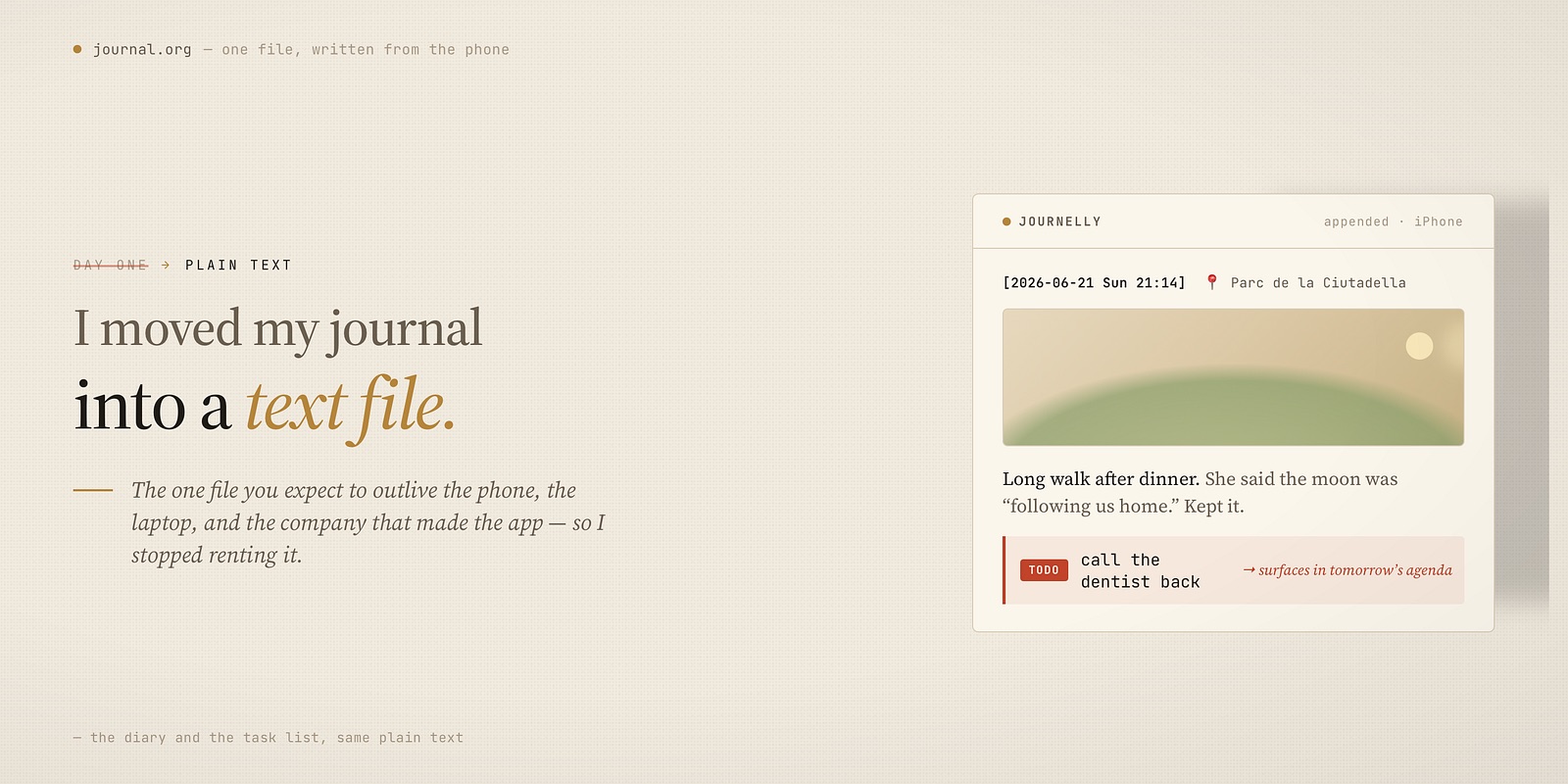
The journal that mattered — the personal one — became a single plain Org file. I write into it from my phone with an app called Journelly, which does one thing well: it appends to one Org file, with a timestamp, a place, and a photo if I want. Standing in a queue, on a walk, at dinner — a line goes in, and that’s it.
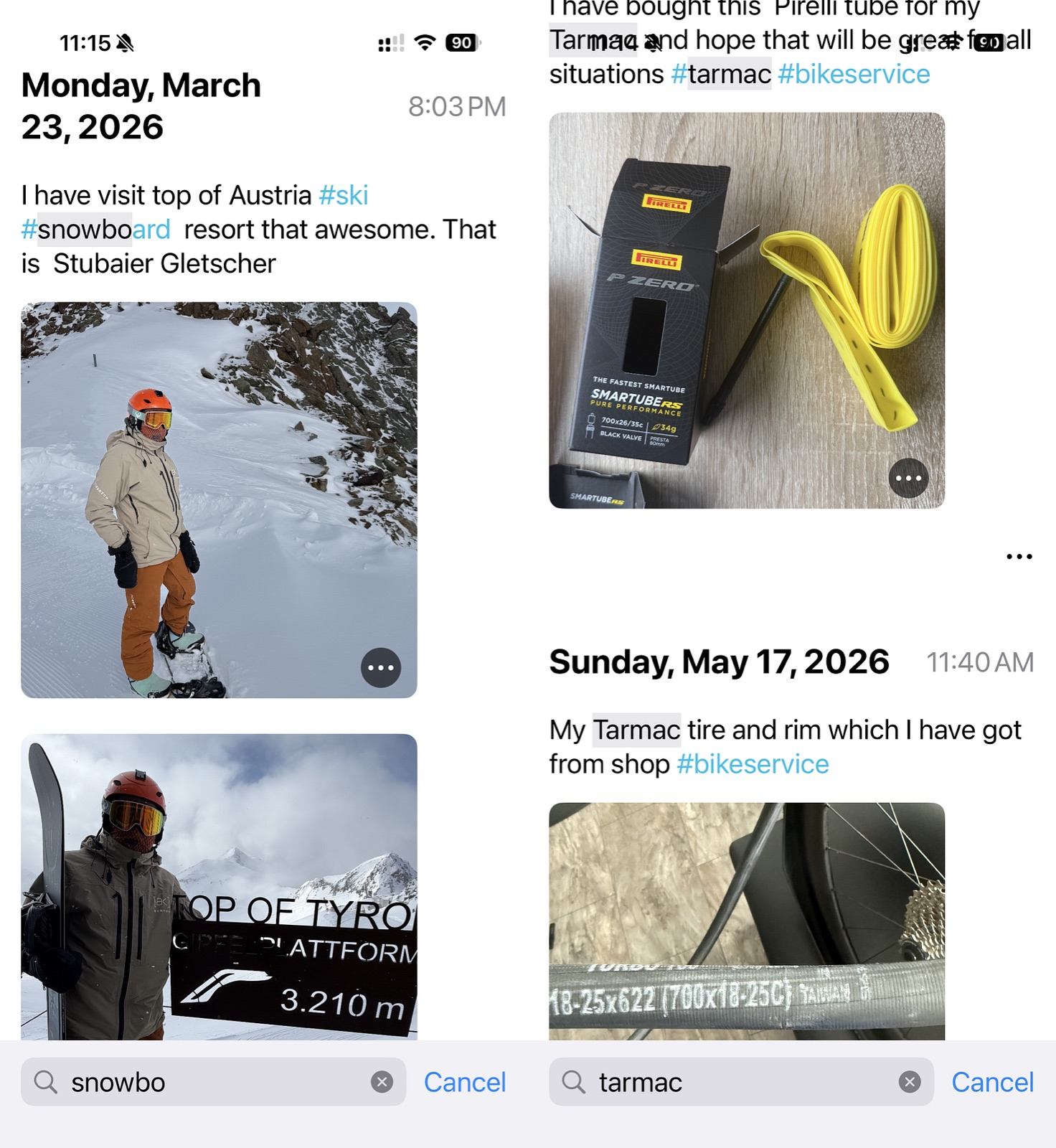
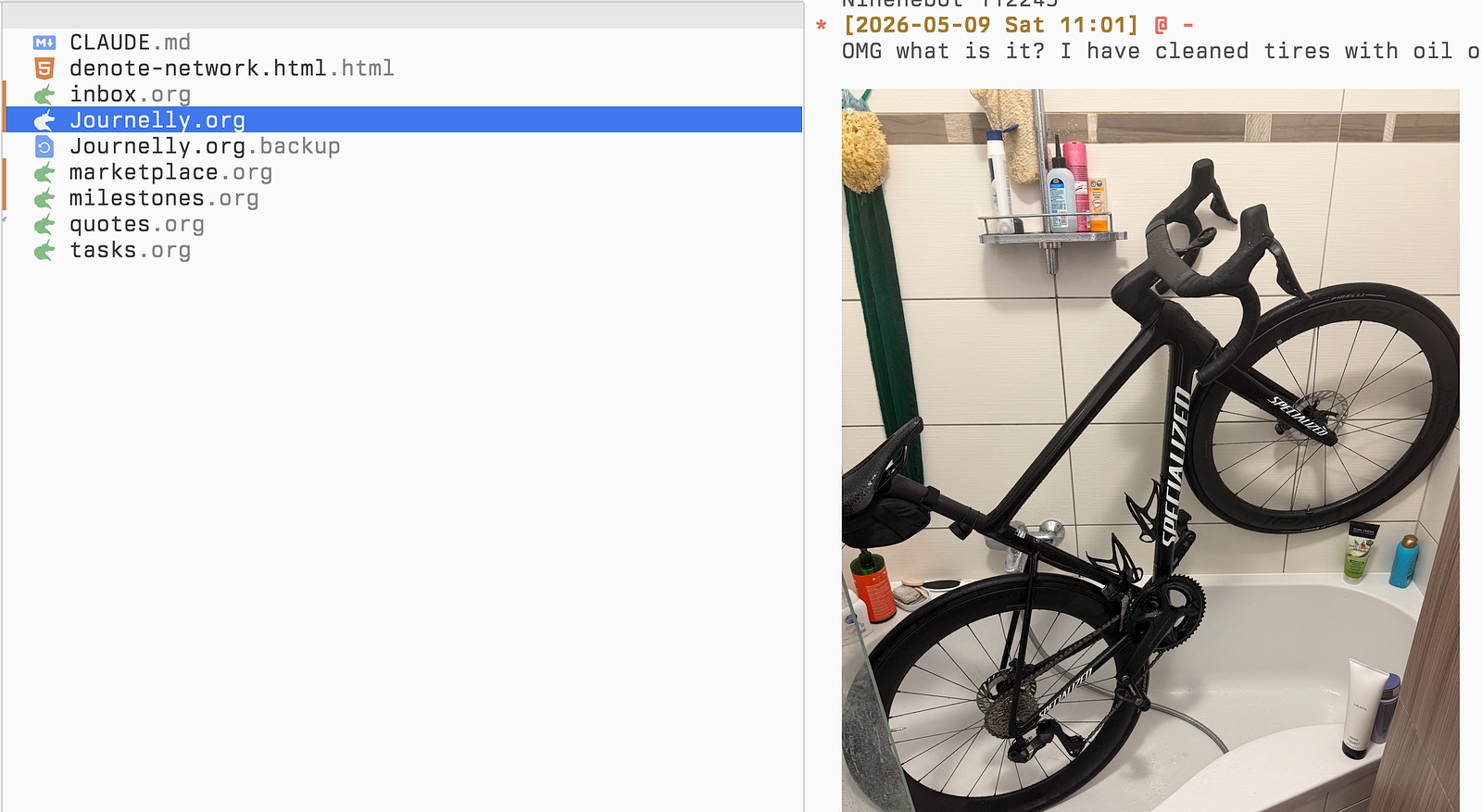
Mobile is the important half, because life mostly happens away from the desk. But because it’s just a text file, it isn’t trapped on the phone either: it sits in my synced folder, so the same file is open in Emacs on my Mac whenever I want to write a longer entry or read back through old ones. One file, two places to touch it, no database in the middle.

That single file is the real replacement for Day One — the life, the photos, the things I’ll want to find again.
A separate journal for work
There’s a second journal that has nothing to do with life, and I keep it deliberately apart.
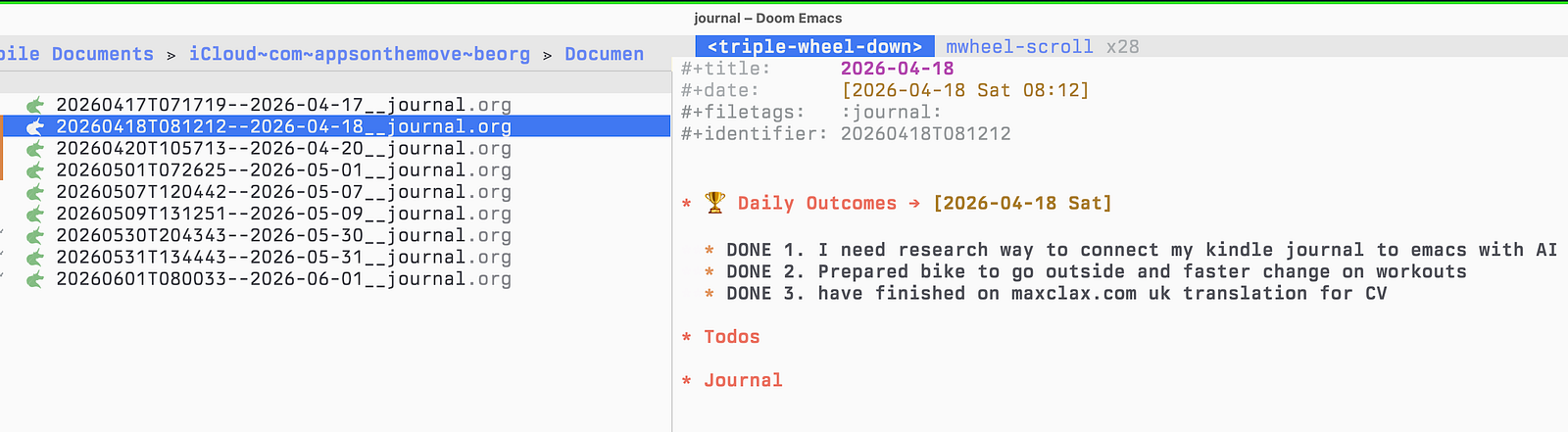
When I’m coding, little things surface — a task, a loose end, a note — that don’t belong in any project file yet but shouldn’t be lost either. Those go into a daily dev journal on my Mac, managed with Denote, which starts a fresh file every day. It’s a desk-only scratchpad for the workday. The phone never touches it, and it never mixes with the personal file. Two journals, two purposes: one for life, one for the work in front of me.
A task inside an entry that won’t get forgotten
This was one of the things I was actually looking for: a way to write a task in the middle of a journal entry and be sure it wouldn’t get lost there. In Day One or Apple’s Journal I’d jot I need to call them back inside an entry, and that was the end of it — the words just sat in that day’s page, and unless I happened to scroll past them again, they were gone. The journal remembered the thought; nothing made me act on it.
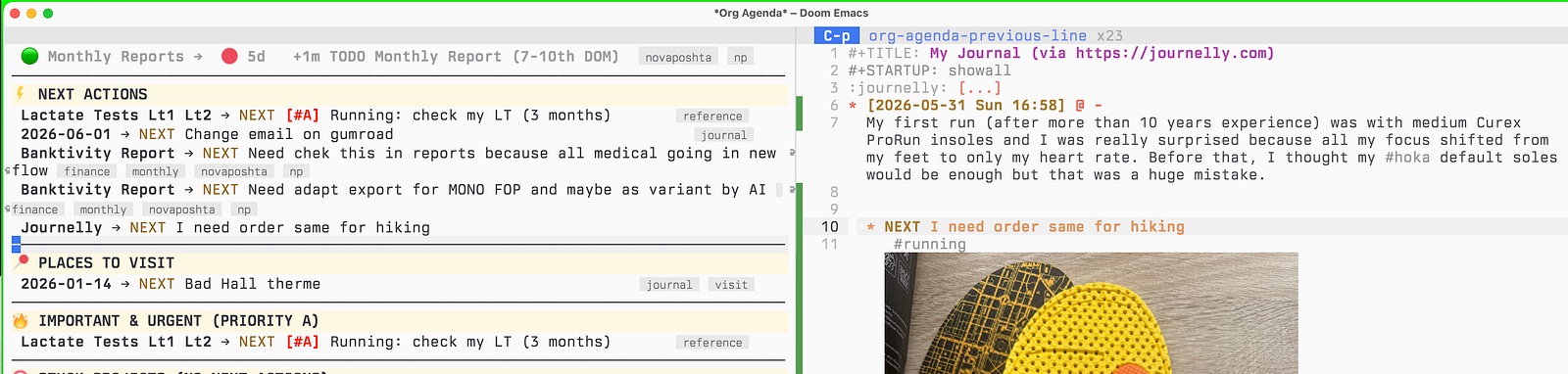
Plain Org fixed exactly that. Because every entry is just text, I can drop a task straight into one while I’m writing — type it inline as a TODO|NEXT without switching apps or breaking my train of thought. But the important part is what happens next: it doesn’t stay buried in the entry. It shows up in my Org agenda alongside everything else, and I tick it off there like any other task. The journal and the task list are the same plain text, so a task I wrote on a quiet evening surfaces the next morning where I actually manage my day — and doesn’t get forgotten just because I wrote it inside a story about something else.
On This Day
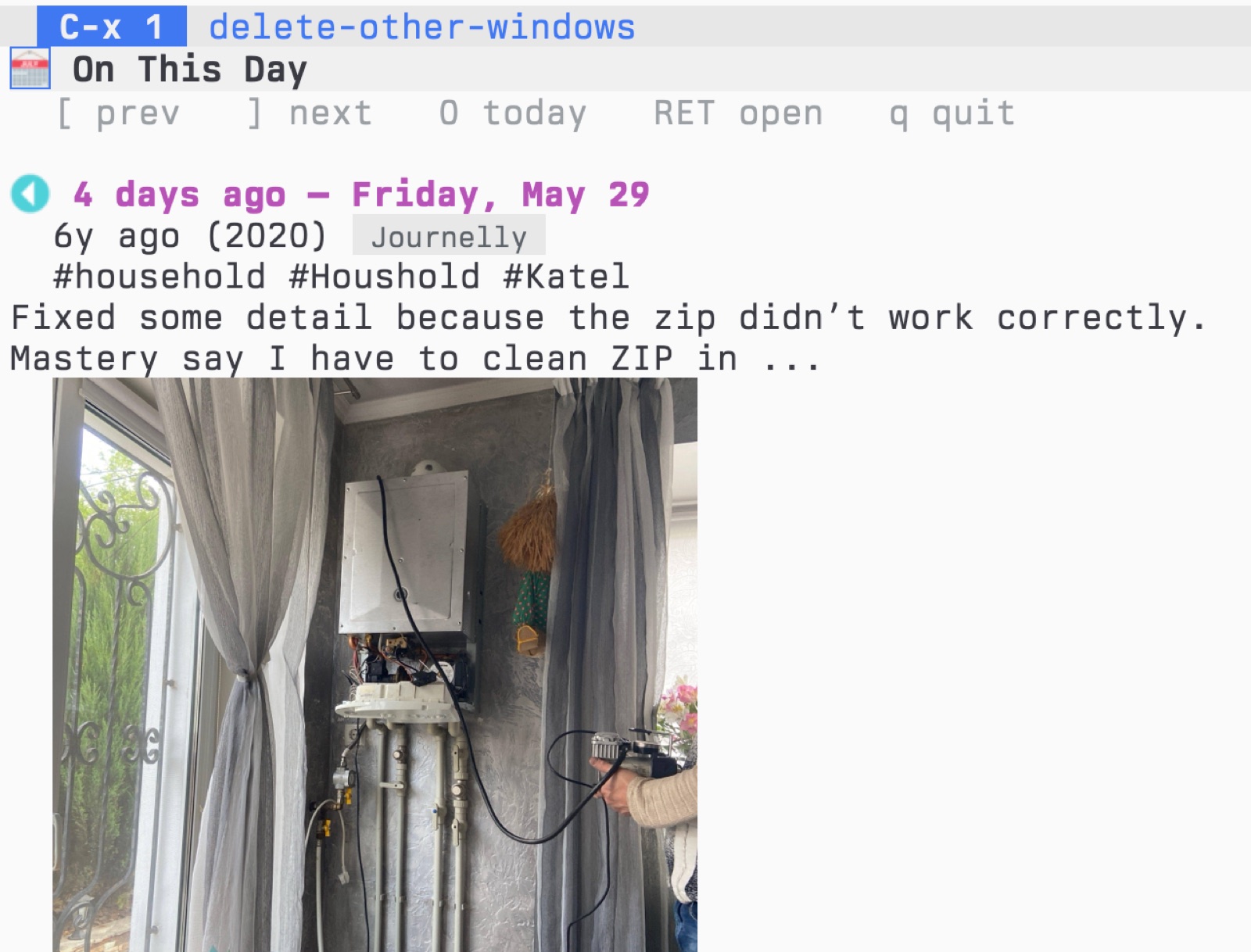
The one Day One habit I missed was “On This Day” — that quiet ambush of a memory from a few years back.
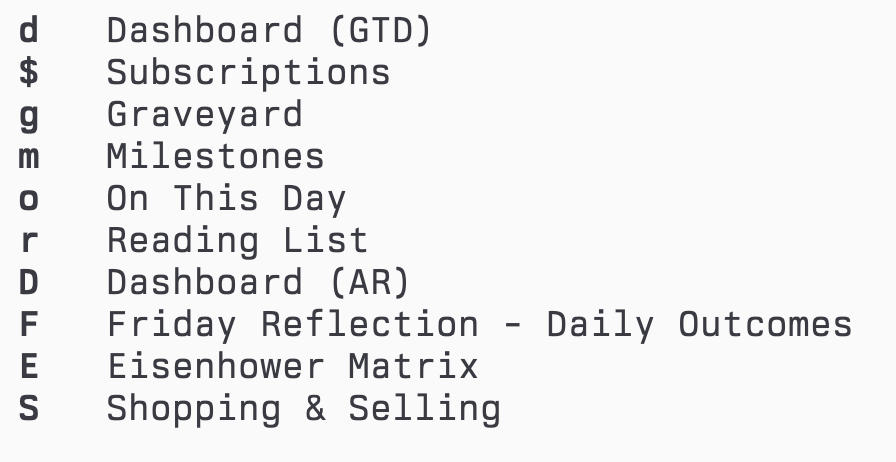
So I have it again. In my Org agenda I press o and get every entry written on this date in earlier years, with the photos showing inline. It reaches across both journals — the personal file and the old dev notes — so some days it’s a memory and some days it’s just what I was wrestling with at work a year ago. I can step a day back or forward, or jump home to today, and it reads my files directly, so it isn’t going anywhere.
The Graveyard
There’s one more part I added to the life journal that I care about.
Most entries are everyday. But some moments are losses — a person, a pet, the end of something — and I didn’t want those mixed into the ordinary scroll, surfacing at random on a normal Tuesday. So I gave myself a simple rule: when something is gone, I write the entry like any other and tag it #RIP.
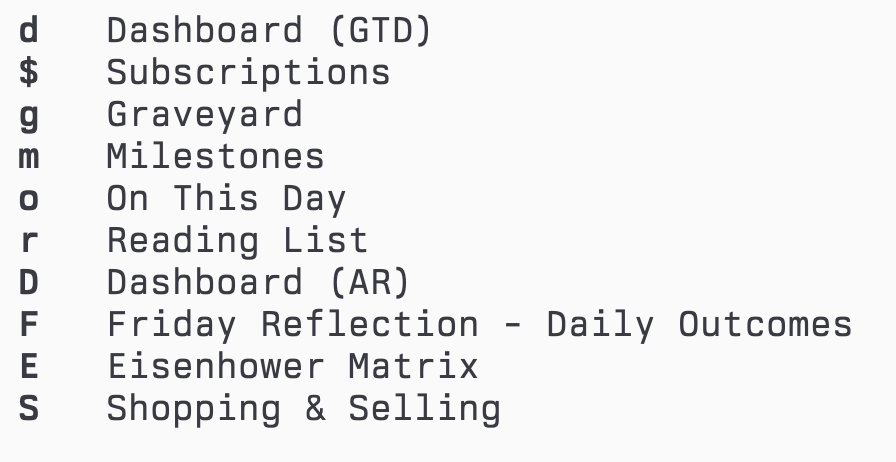
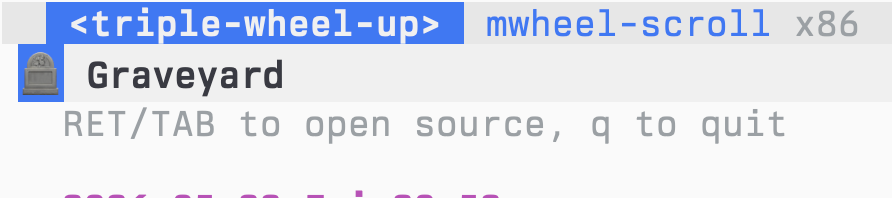
That’s all it takes. In the agenda I press g for the Graveyard, and it collects every entry I’ve ever marked that way into one quiet page — each with its date, its words, its photo. It’s a small corner of the journal, but it’s the corner I’m most glad exists, and it only works because the format is mine to shape.
Why plain text
I’m not trying to convince anyone that text files are the answer. Day One is genuinely nicer to look at, and if it works for you, keep it.
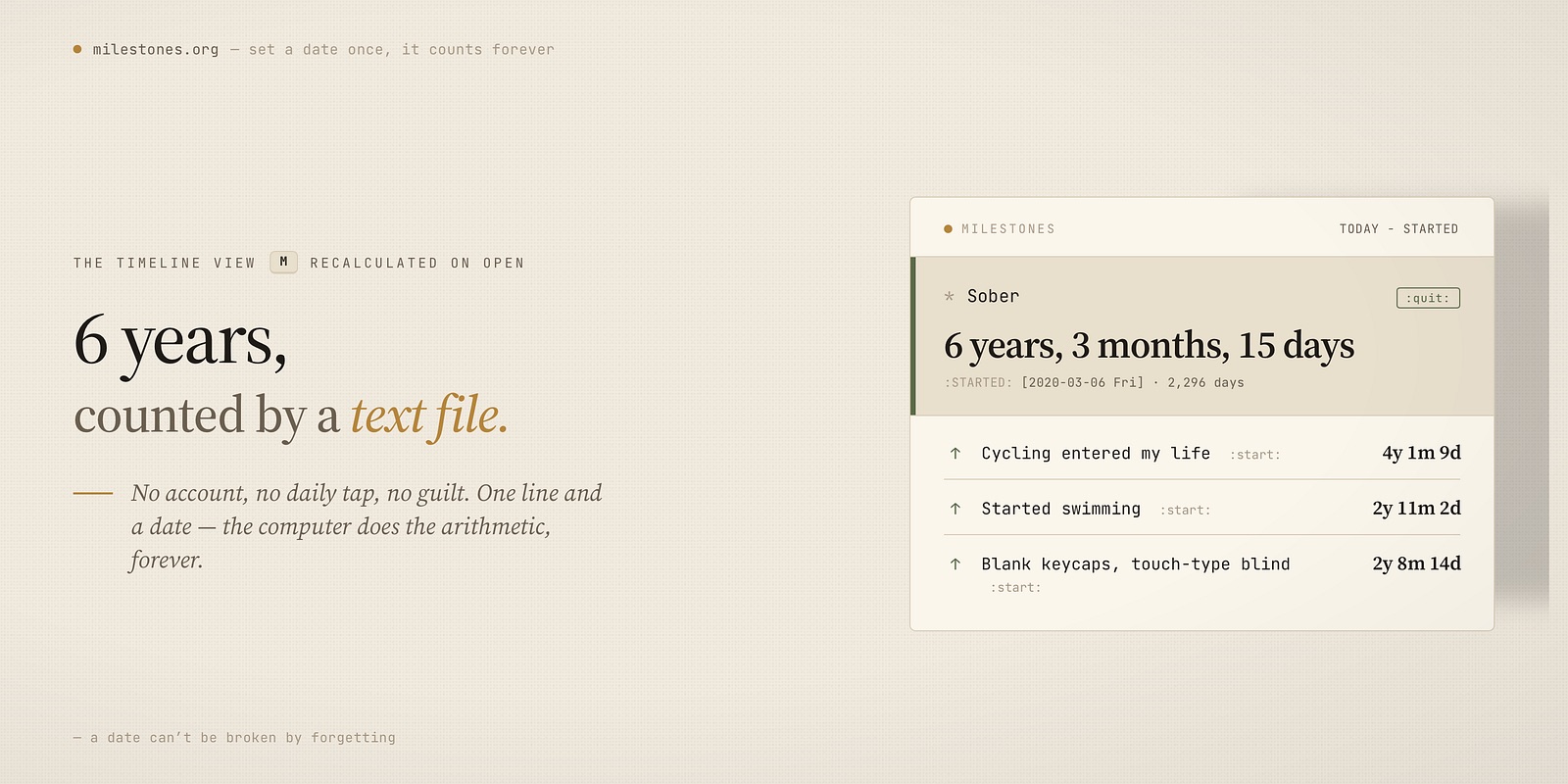
For me the trade came out simple. My entries stay in files I control, there’s no subscription to keep reading my own years, and plain text will still open long after today’s apps are gone. It’s the same reason I now track my milestones in a text file too — the years count themselves and no app holds them hostage: Milestones article.
The daily habit didn’t get colder for losing the polish — if anything it got easier, because the journal stopped being something I rent and went back to being a file that’s just mine.
If you want to see how the journals, the On This Day view, and the Graveyard are wired together, it’s all in my dotfiles: https://github.com/maxclax/dotfiles