TEMPO
TEMPO
 SUNCLAX
A Sticky Note on My Door Beat Notion and Obsidian. Now It Lives on My Kindle.
The wall by my front door
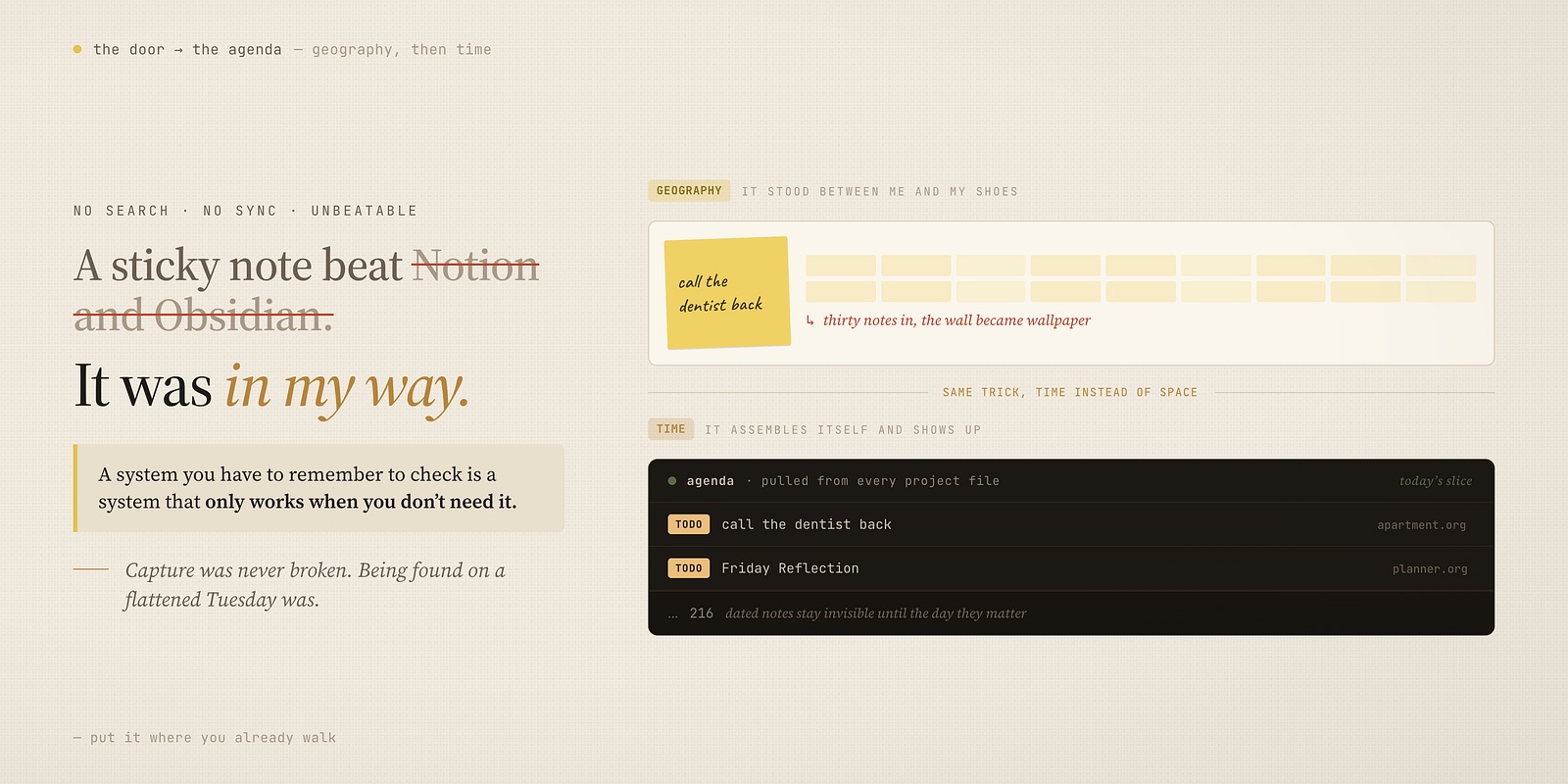
For years my most effective piece of productivity software was a square of yellow paper stuck to the wall beside my front door.
I’ve since paid for the good stuff. Notion, Obsidian, a decade of apps with better ideas in them than I had. And none of them beat the wall, which bothered me for a long time, because the wall was obviously stupider. No search. No sync. No backup. A draft could take it out.
It took me an embarrassing number of years to work out what the wall had that the apps didn’t, and it isn’t a feature any of them could have shipped.
The wall was in my way.
Not metaphorically — physically. I could not leave the apartment without walking past it. Could not come home without facing it. Twice a day, minimum, on my worst and busiest and least disciplined days, that note got read. Not because I was organized. Because it was standing between me and my shoes.
Storage isn’t the hard part
Every note app I’ve used is excellent at the thing that was never actually broken.
Capture is easy. It’s been easy for fifteen years. Anyone can get a thought into a text field — the apps compete on making it three seconds faster, which is real, and irrelevant. Storage is solved. Search is solved. Sync is solved.
Here’s what none of it solves: on an ordinary Tuesday, exhausted, halfway through something else, I do not remember that the note exists. I don’t go looking for it, because looking requires knowing it’s there. And the app, sitting patiently behind an icon, cannot help me — it’s waiting to be opened by someone who already remembered.
A system you have to remember to check is a system that only works when you don’t need it.
That’s the whole thing. That’s why a sticky note beat Obsidian. The note didn’t wait to be searched. It came and found me, every single day, with no cooperation on my part.
The good weeks were never the problem. Any system works when you’re sharp. What I needed was something that still functioned on the week where I was flattened and could not be trusted to do a single deliberate thing — and on that week, the only difference between the wall and Notion is that I walk past the wall anyway.
How the wall died
It broke for boring reasons, and they’re worth listing, because the replacement had to solve them.
It fell down. Paper does.
I couldn’t find anything. There was no answering the question what did I write about this six months ago — those notes were in a drawer, or gone.
And there was nowhere for later. A note that matters in March has to sit on the wall from January, taking up attention it doesn’t deserve yet, competing with the things that matter today.
Then the real failure: about thirty notes in, I stopped seeing it. Not gradually — one day the wall was a signal, and shortly after it was texture. Wallpaper. I’d walk past and register a yellow rectangle instead of a sentence.
That last one is what actually kills placement systems, and no app fixes it either. Volume kills attention. Whatever is in your way stops being in your way once there’s enough of it.
I still keep two notes there. Some things belong on paper in a doorway, and I stopped apologizing for that.
What replaced it: something that arrives uninvited
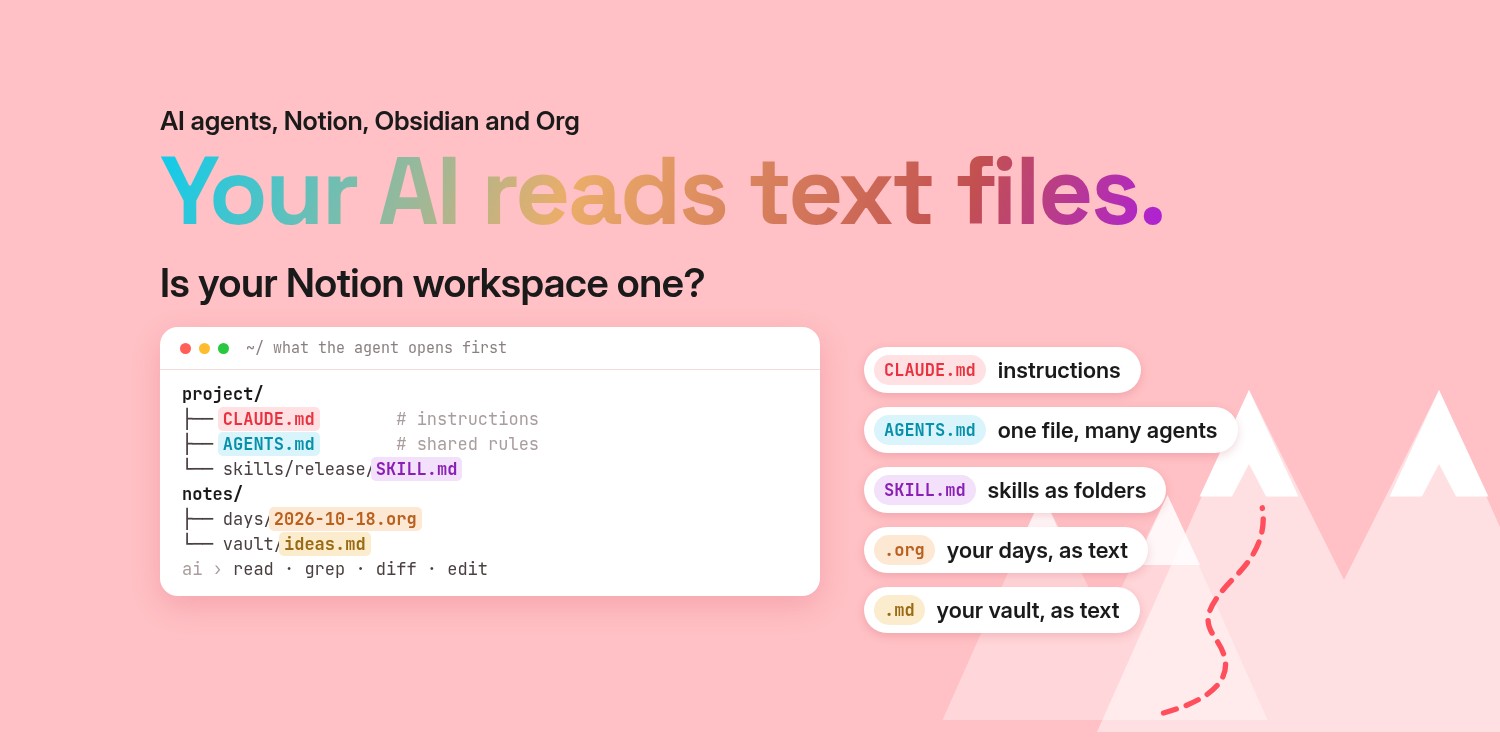
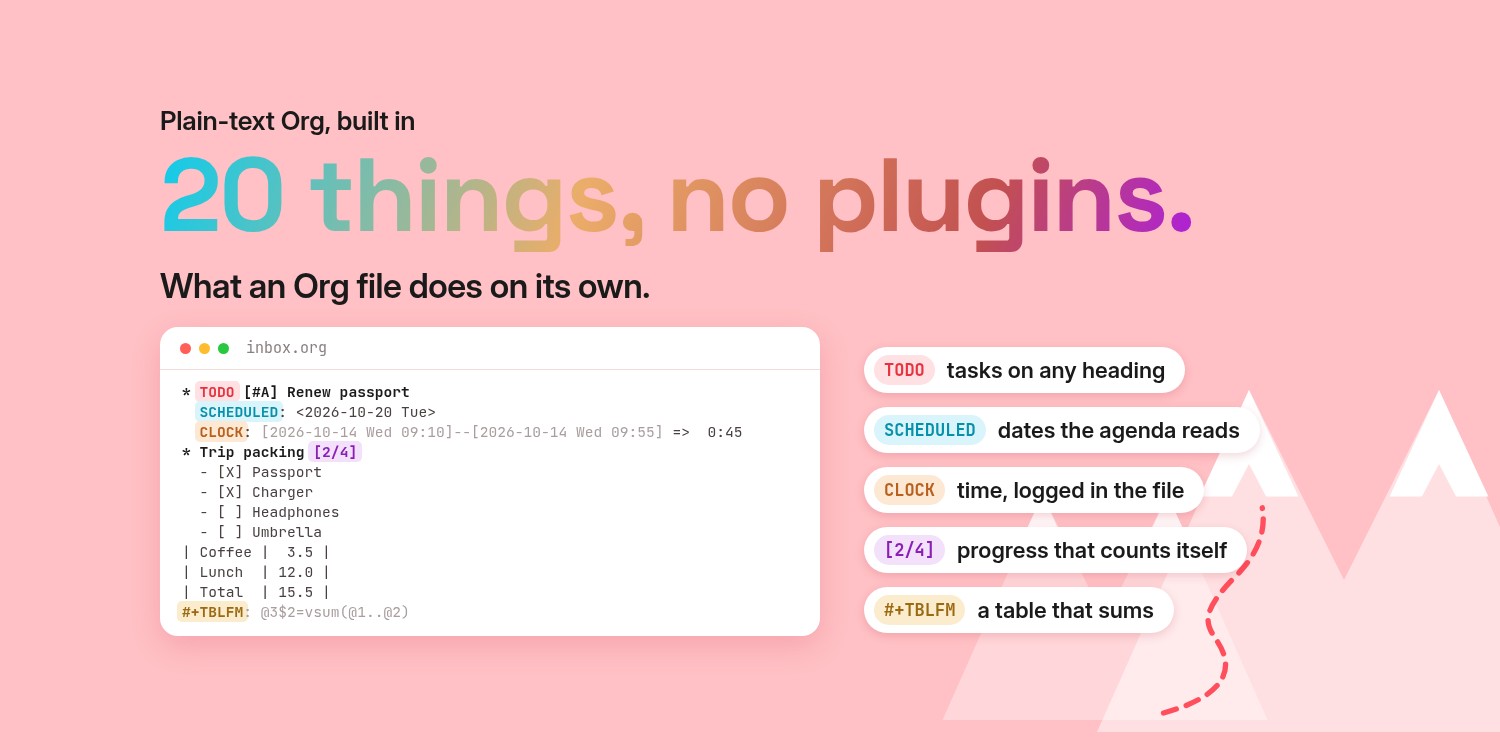
Most of what I write down now lives in plain text files in Emacs, one per project — work, writing, the planner, the apartment, the ideas that aren’t anything yet.
I want to be careful here, because “I use Emacs” sounds like the answer is a difficult editor, and it isn’t. The editor is incidental. What matters is one behaviour, and it’s the wall’s behaviour:
It comes to me. One command pulls from every project file at once — everything due, everything scheduled, everything I flagged — into a single view. I don’t decide which files to check. I don’t remember what’s in the one I haven’t opened since spring. It assembles itself and shows up.
That’s the wall with the four failures fixed. It can’t fall down. It’s searchable, so what did I say about this in March is a question with an answer. Something can be filed for a date and stay invisible until that date arrives — which is the thing paper genuinely cannot do. And because dated things stay hidden until they’re relevant, it never silts up into wallpaper. The wall showed me everything at once forever; this shows me today’s slice.
Same principle. The wall used geography to force the encounter. This uses time. Both work for the identical reason, and neither of them relies on me remembering to look.
The half that still needs a pen
Some thinking gets worse when you type it.
Anything where the goal is to empty my head or be honest about how a week went, I do by hand. Typing is fast, and fast is the wrong setting for that job — you end up producing a tidy list instead of finishing a thought. The friction is doing something.
That half lives on a Kindle Scribe, for one reason that has nothing to do with e-ink romance: it’s the only screen I own with nothing to click away to. No notifications, no browser, no tab. When I sit down with it, the only available activity is the thing I sat down to do.
Two pages carry nearly all of it:
- An Inbox — one page where anything can land before it has a home. The digital descendant of grabbing a sticky note.
- A Mind Sweep — once a quarter, empty everything out of your head onto a page and hold nothing back. It organizes nothing. It’s just the fastest way I know to stop carrying twenty unrecorded obligations that were quietly consuming the capacity to think.
Put it in your way
If you take one thing: the sophistication of the system matters far less than whether it stands where you already walk.
Pick the place you cannot avoid — door, fridge, monitor bezel, lock screen — and put it there. Do that before you evaluate a single app. A crude thing in your path beats an excellent thing behind an icon, every time, and it will keep beating it on exactly the weeks you need it most.
Then, when volume turns your wall into wallpaper — and it will — the fix isn’t a better app. It’s the same principle with time added: something that assembles itself, shows you today’s slice, and lets the rest wait invisibly until it’s relevant.
The handwritten half of mine ended up in a planner I built, called Triada, after the seven I tried on my Kindle Scribe all died by April. It has the Inbox and the quarterly Mind Sweep from this article, three outcomes at each scope, and a Friday Reflection sitting one page after every Friday — placed there deliberately, because a reflection you have to navigate to is a reflection you skip. Same trick as the door.
It’s a hyperlinked PDF, so the surface is your choice: write straight on it with the pen on a Kindle Scribe, open it in any annotation app on an iPad, or print it if paper is what you’ll actually pick up.
If you want to see it
The free sample is the actual first ~62 pages: front matter, all of January, January Reflection, February’s Monthly Outcomes. Not a teaser. Not watermarked. You can use January from the sample as your real January.
- Free sample (Monday-start): triada-sample.pdf
- Free sample (Sunday-start, US/Canada): triada-sample-sunday.pdf
- See the full edition + device variants: https://maxclax.com/triada
And if a sticky note and a text file is where you stop — genuinely, good. That’s where mine started, and there are still two on the wall by my door.
Thanks for reading. Follow on X: https://x.com/maxclaxOS
Dotfiles: https://github.com/maxclax/dotfiles
Related: