TEMPO
TEMPO
 SUNCLAX
A Graveyard in Plain Text: Visiting More Than Once a Year
This is a hard thing to write about, so I’ll keep the feelings short and spend most of the words on the part I can actually explain: how I manage it.
Some cultures visit the cemetery often; others only once or twice a year. Either way, the trip is tied to a place and a date — and missing someone isn’t. And for many people the trip isn’t possible at all. In wartime a grave can sit in a place you can’t reach; people are displaced, borders close, whole towns become impossible to return to. You can carry the loss across the world and have nowhere to set it down.
Missing someone doesn’t keep a schedule. It shows up on an ordinary Tuesday, in a smell, in a song, in nothing at all. I wanted a place I could go to on those days too — one that doesn’t depend on being able to travel anywhere. Just a quiet page I can open in the evening and sit with for a minute. So I built a small graveyard into my notes, and I can visit it from anywhere, as often as I need.
It grew out of my plain-text journaling setup, which I wrote about separately here: how I moved my journal to plain text from DayOne. This piece is just about the graveyard part — what it is, and how it’s put together.
A real cemetery only holds people. This one doesn’t have that limit. I keep pets there too — they were family, and there’s no headstone for them anywhere else. I keep friends who moved to the other side of the world, people I can’t get on a plane to see and may never stand in front of again. None of them have a grave I could visit. But I can still want to remember them, and now there’s a place that lets me, which feels worth far more than the once-a-year trip a physical cemetery asks of me.
A note before the technical part: I won’t show any real entries or photos here. Those are private, and they should stay that way. Everything below is only about how the thing is built and managed, not about who is in mine.
One tag
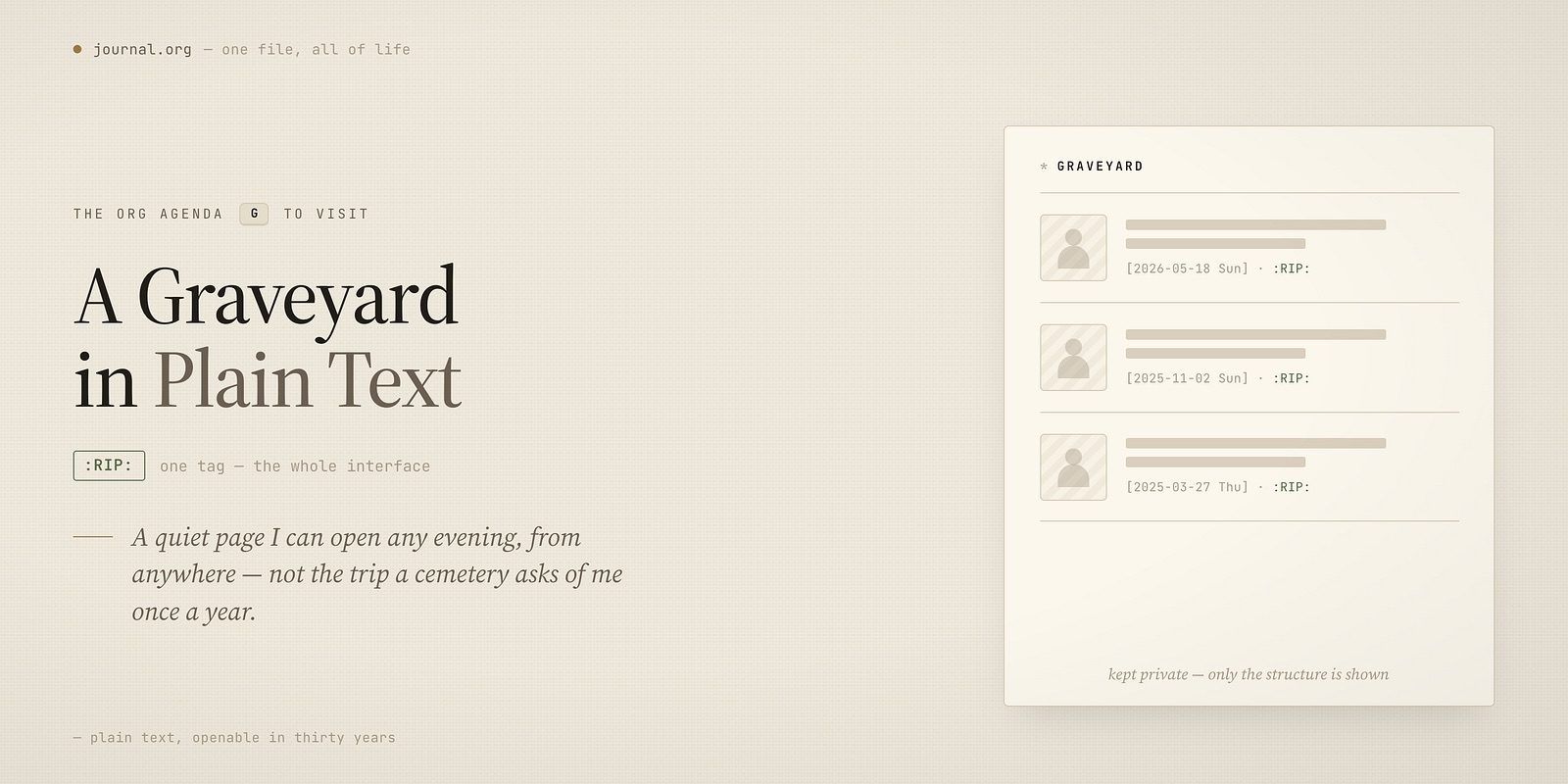
The whole thing rests on a single rule I made for myself: when someone or something is gone, I write the entry like any other day, and I tag it #RIP.
That’s the entire interface. No special form, no separate app, no “memorial” mode. A date, a few lines, a photo if I have one, and the tag. It lives in the same life journal as everything else, because that’s honest — the loss happened on a normal day, mixed in with the rest of life.
The tag is the only thing that marks it as different. Everything after that is just code reading for that tag.
How it’s managed
My life journal is one plain Org file. Each entry is a heading with a timestamp, sometimes a place, a bit of text, and links to any photos. Nothing about a #RIP entry is structurally special — it’s the same shape as a note about lunch.
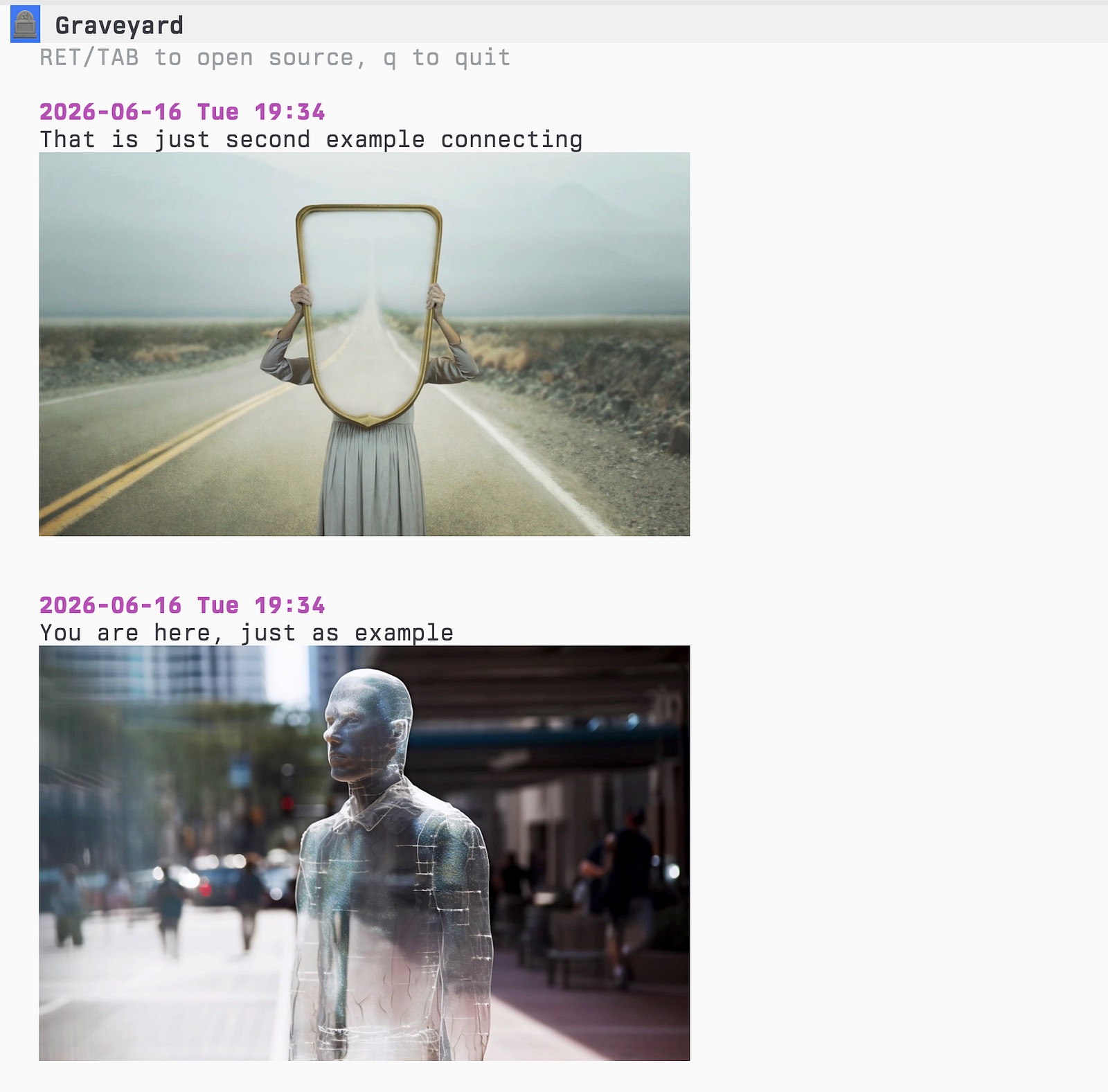
To visit the graveyard, I press a single key in my Org agenda — g. Behind that key is a small function that does something very ordinary:
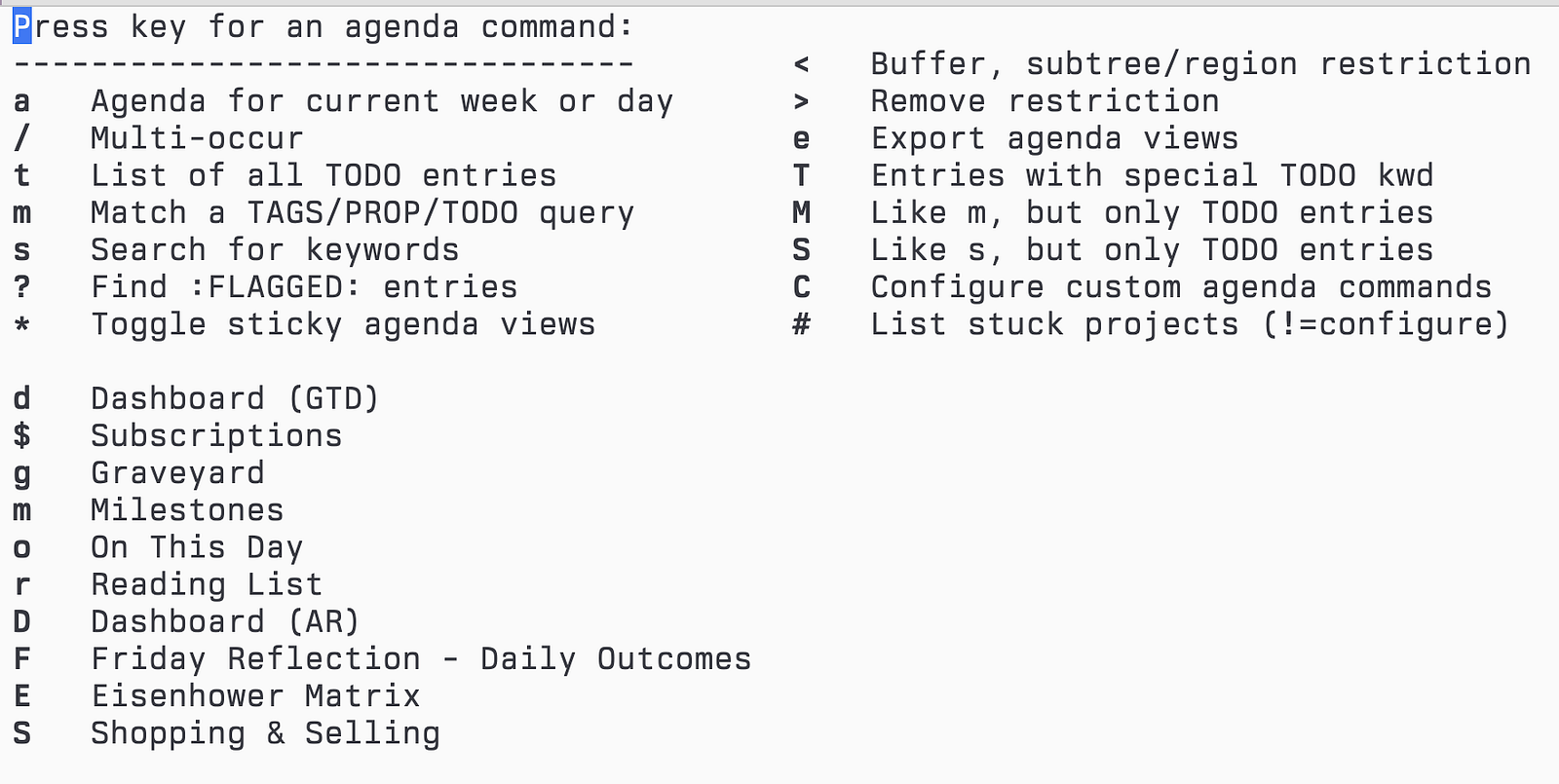
- it opens the one journal file and walks through every entry,
- it keeps only the ones that contain
#RIP, - for each, it pulls out the date, the first lines of what I wrote, and any photos,
- and it lays them out on one page, most recent at the top.
That’s it. No database, no index to rebuild, no sync service. It reads the text file fresh each time, so the graveyard is always exactly as current as my journal. If I add an entry tonight, it’s there tonight.
The photos render inline, right in the page, so it isn’t a list of dates — it’s faces. And every entry stays a live link: I press Enter on one and it opens the original entry where I first wrote it, in full, in context. The summary view is for visiting; the source is always one keystroke away when I want to read the whole thing.
This is the part I’d ask you not to skip: put a photo under every entry, and choose it carefully. Not the last photo, not the one from the hospital — the one where they’re full of energy, mid-laugh, at their strongest. That’s the version you want to meet when you open the page. A headstone gives you a name and two dates; a good photo gives you the person the way your mind already keeps them. Store that one. It matters more than anything you’ll write underneath it.
Why it matters that it’s plain text
I could have used an app with a “memories” feature. The reason I didn’t is the same reason the rest of my journal is plain text: I wanted this to be the one thing that can’t be taken away.
A graveyard built on a tag in a text file has no subscription that lapses, no company that shuts down, no export that loses the photos. It will open in thirty years with whatever tool exists then, because it’s just words and dates and image files in a folder I control. The people in it deserve at least that much permanence.
It also means the graveyard is mine to shape. Nobody decided that #RIP should gather into a page — I decided it, and a few lines of code made it true. If I want it to behave differently next year, I change the code, not my feelings to fit an app.
Visiting
What surprised me is how often I open it. Not in a heavy way — I don’t sit in grief. I press g, the page comes up, I look for a moment, and I close it. Sometimes on a date that matters, often on a day that doesn’t. It turns out that’s what I wanted all along: not a single annual pilgrimage, but a small door I can open any evening, knowing exactly who is behind it.
If you build one of your own, I hope your personal graveyard stays short — only a few lines in it, and a long, long time before you need to add another.
Thanks for reading. Follow on X: https://x.com/maxclaxOS
Dotfiles: https://github.com/maxclax/dotfiles
Related: