TEMPO
TEMPO
 SUNCLAX
I Stopped Exporting My Garmin Runs. Now I Just Ask AI.
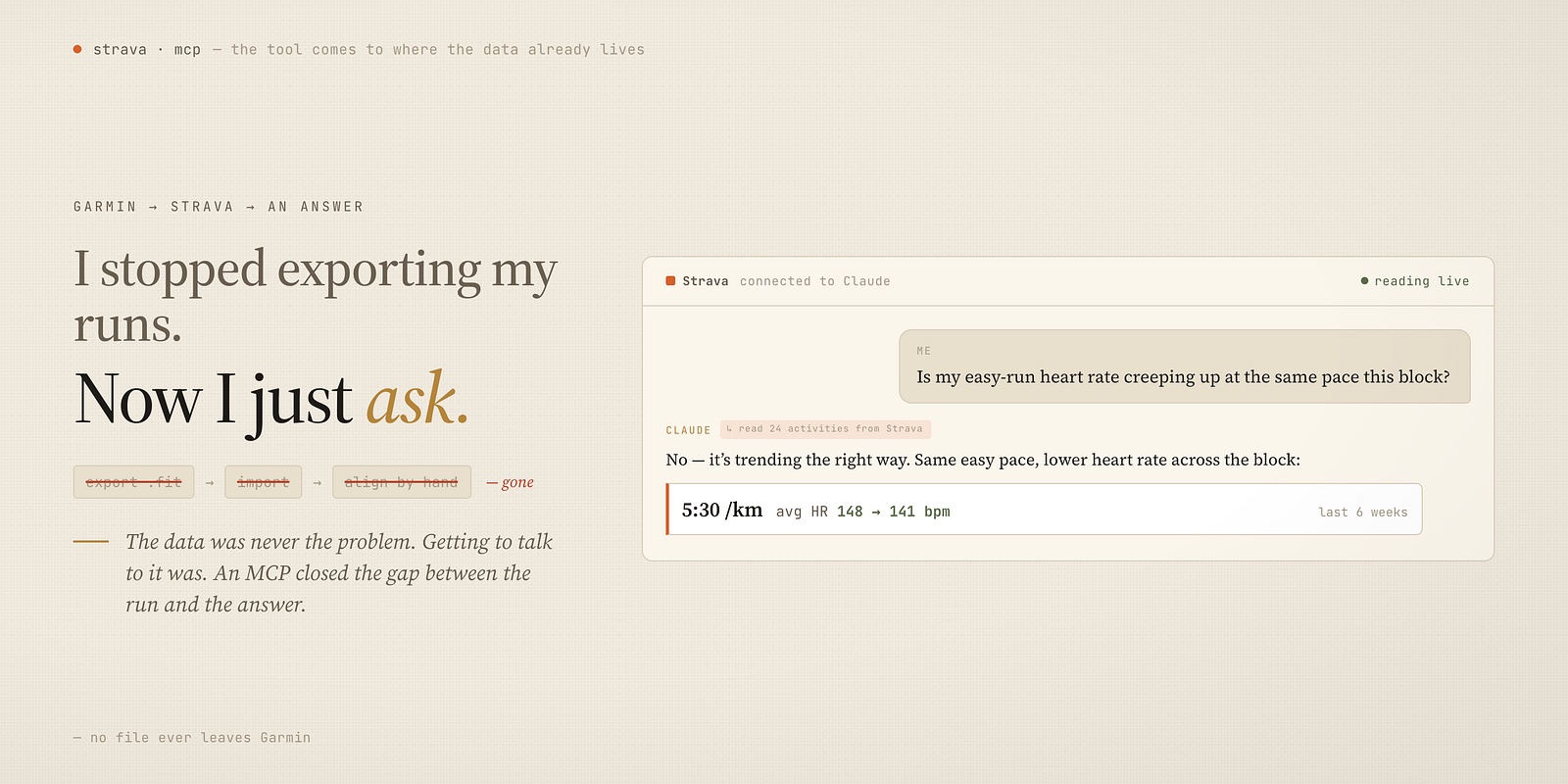
I run and I cycle, and my watch records everything — pace, heart rate, elevation, every split of every kilometer. The data has never been the problem. Getting to talk to it was.
For years, “analyzing my training” meant a small chore I dreaded. Open Garmin Connect. Export the activity as a .fit or .gpx. Drop it into TrainingPeaks, or some tool, or a spreadsheet. Line a few up by hand to compare them. By the time I’d wrangled the files, the question I’d actually wanted to ask — was this week harder than last? is my easy pace drifting up? did that long ride wreck me or build me? — had gone cold.
The activity was easy. The understanding was buried under an export step.
Strava was already the hub
Here’s the thing: my data was already in one place. My Garmin syncs to Strava automatically, every run and ride landing there without me lifting a finger. Strava is where my activities live — the history, the maps, the numbers, the social side of it.
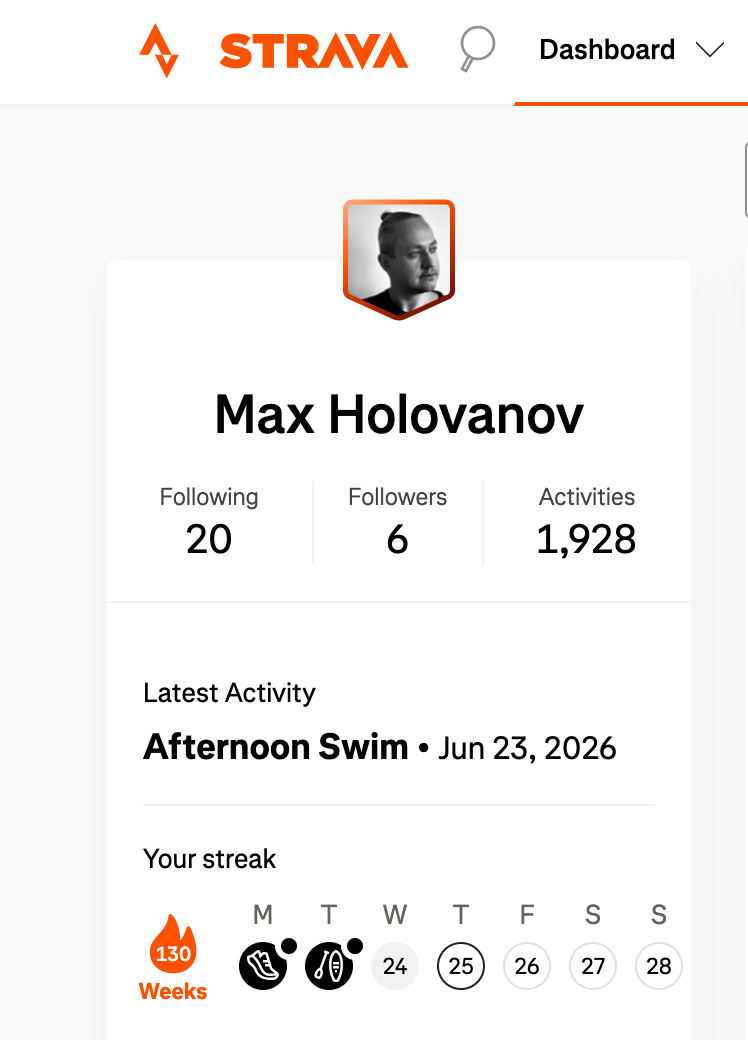
So the data wasn’t scattered. It was sitting in Strava, complete. What was missing was a way to ask it things without first dragging files back out.
Then Strava opened an MCP — and Claude could just read it
That’s what changed. Strava published an MCP server — a standard way for an AI like Claude to connect directly to a service — and connecting it took a couple of clicks. No API keys to juggle, no export, no upload.
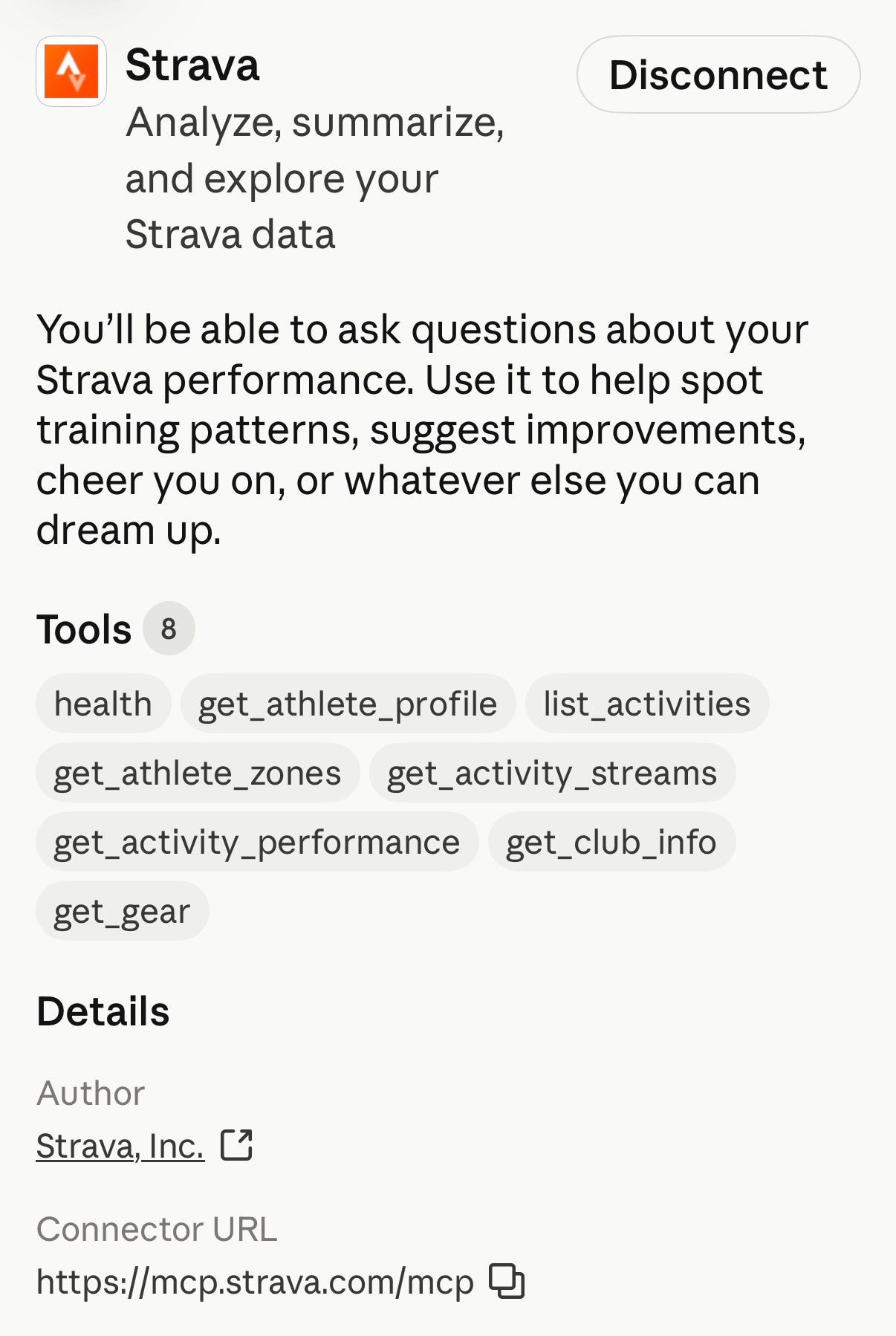
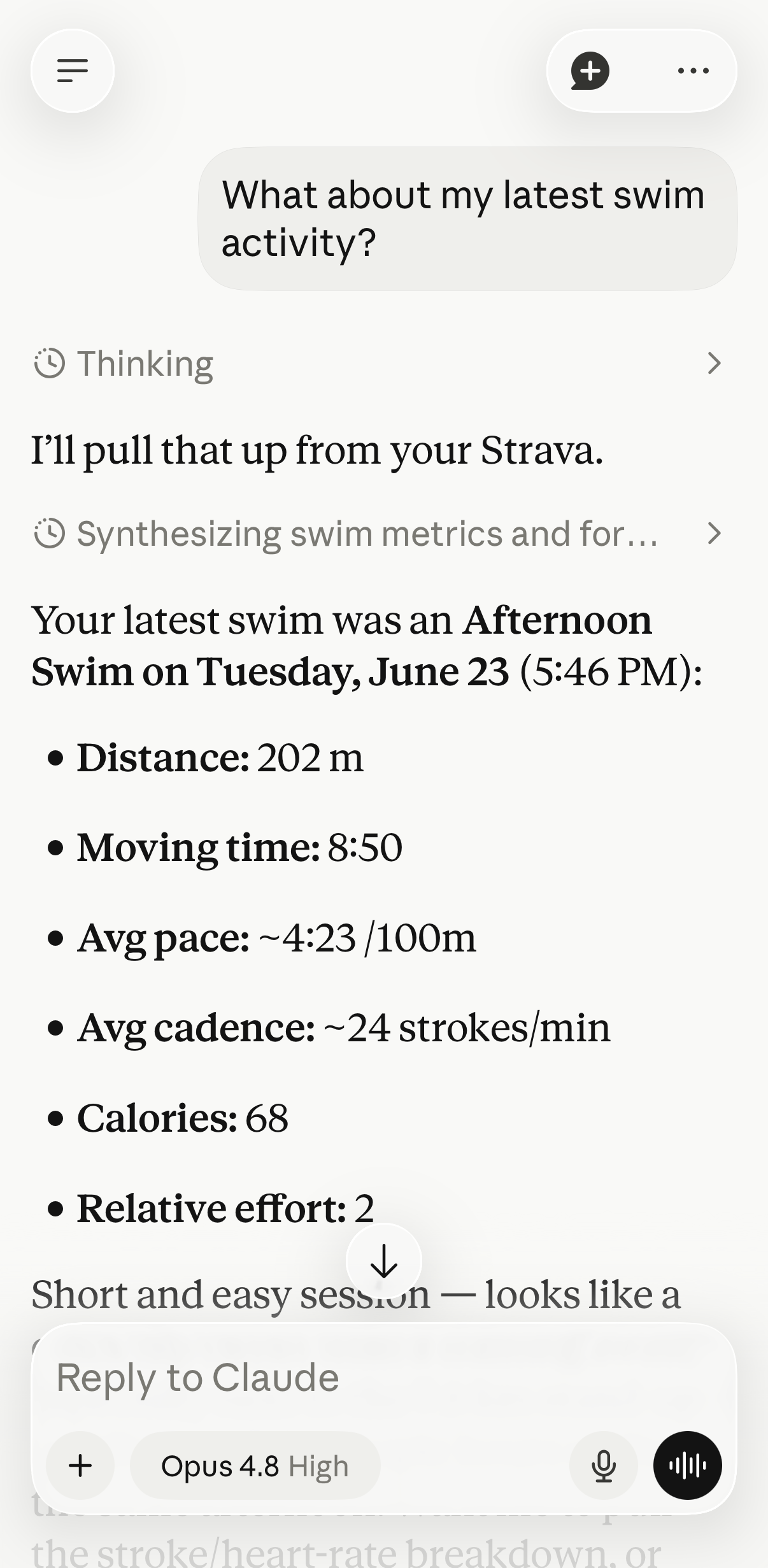
Now I just ask. In plain language, the way the question actually forms in my head: “How did this week’s volume compare to last week?” “Is my average heart rate on easy runs creeping up?” “Show me my three longest rides this month and how my pace held over each one.” Claude reads my activities straight from Strava and answers — no .fit file ever leaves Garmin, no detour through TrainingPeaks.
What it’s actually good for
It’s not the dashboards that won me over — Strava and TrainingPeaks already have plenty of charts. It’s that I can ask a specific question and get a specific answer, instead of hunting for the one graph that might contain it.
- “Compare this long run to the same route six weeks ago.” A like-for-like read, in seconds.
- “Across this block, is my easy pace getting faster at the same heart rate?” The aerobic-fitness question that’s a pain to eyeball across dozens of activities.
- “Which week this month had the biggest jump in load?” Spotting the spike before it spots me.
The chore is gone. The questions I used to drop because the export wasn’t worth it — those are the ones I ask now, because asking costs nothing.
Why this matters beyond running
For me the lesson is bigger than fitness. The data we generate keeps getting locked behind one more export, one more import, one more app that owns the view. What MCP changes is the direction: instead of me carrying files to a tool, the tool comes to where my data already lives and answers in my own words.
I still keep Garmin for the watch and Strava for the history. I haven’t replaced anything — I’ve just deleted the annoying step in the middle (TrainingPeaks). And the time I used to spend exporting and aligning files, I now spend either understanding the training or, better, out doing the next one.
The honest caveats
This isn’t plain text and it isn’t local — my activities live on Strava’s servers, and connecting an AI to them is a real data decision, not a free one. Connect what you’re comfortable with, know what you’re sharing, and treat the analysis as a smart assistant, not a coach who knows your body.
But for the simple, daily question — how am I actually doing? — the gap between the run and the answer just collapsed. I do the activity. I ask. I learn. Then I go run again.
Thanks for reading. Follow on X: https://x.com/maxclaxOS
Dotfiles: https://github.com/maxclax/dotfiles
Related: