
 SUNCLAX
Private by design
A planner, no account
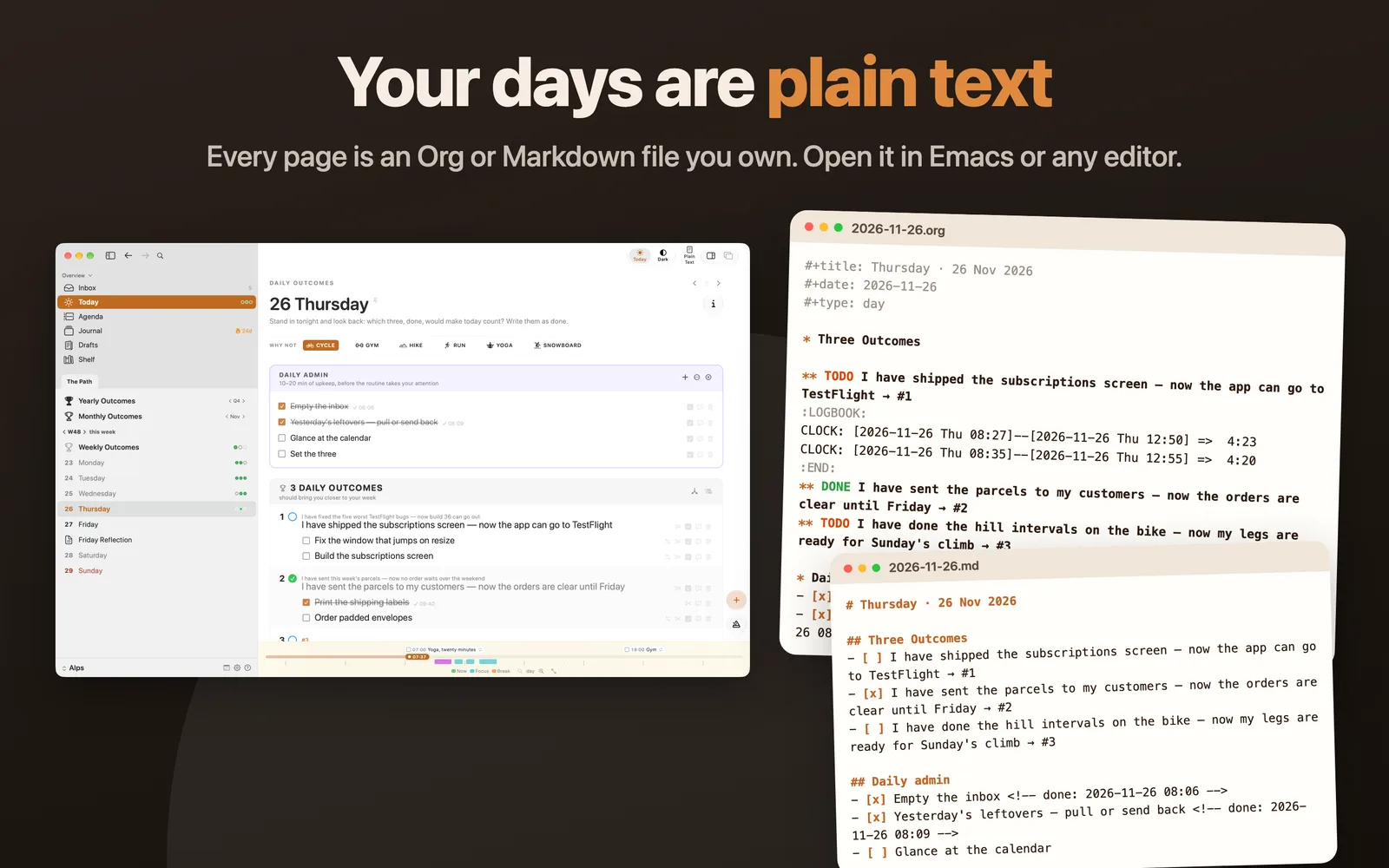
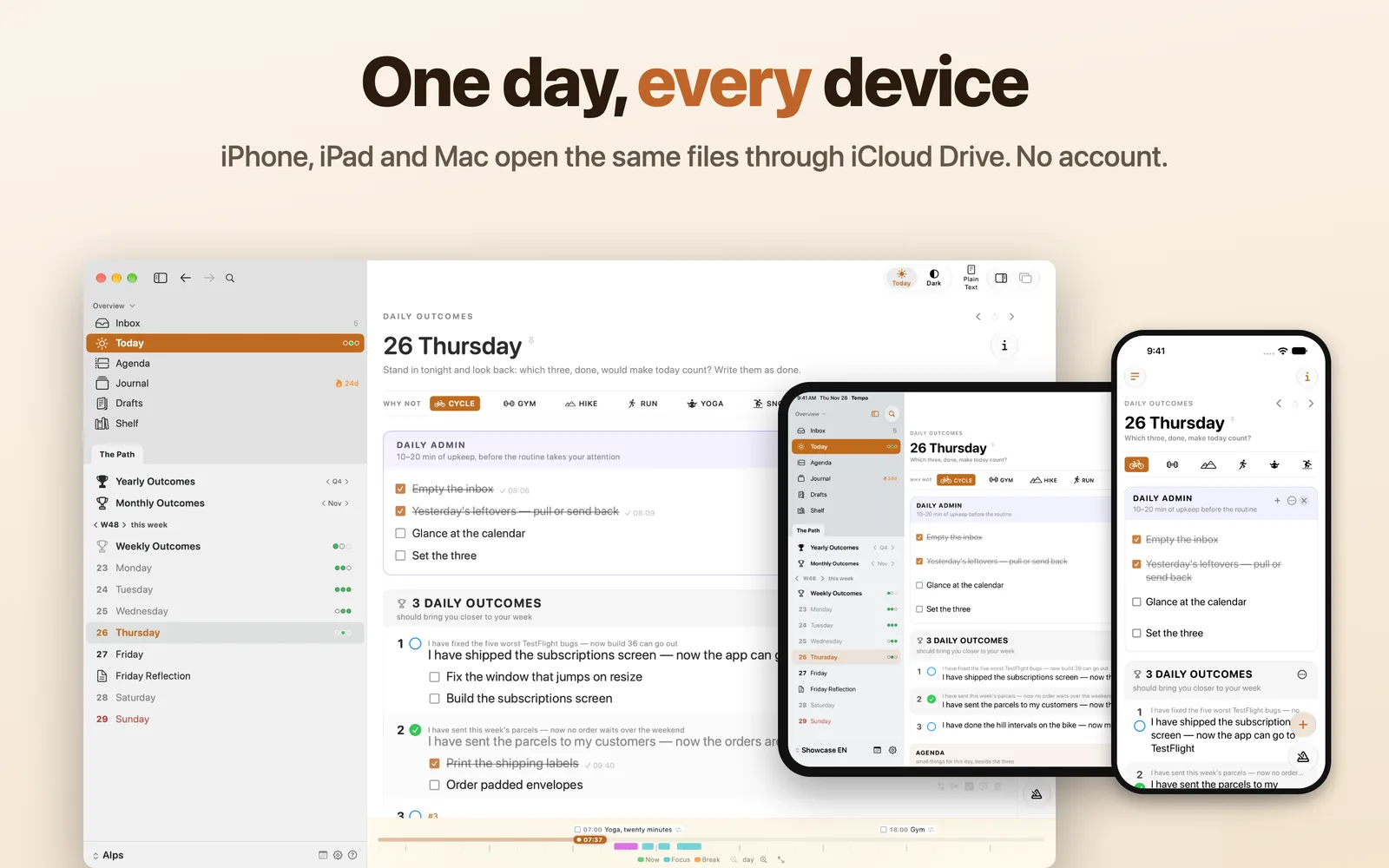
No sign-up, no email, no Tempo server. Your days are plain files in your own iCloud Drive, and your devices sync them the way they sync everything else.
- No account: open the app and start the day.
- Your files, your folder, your iCloud Drive — readable in any editor.
- Leave whenever you like; the files stay where they are.
Free to download. No account. On Mac, iPhone and iPad.
Questions
Do I need an account to use Tempo?
No. There is nothing to sign up for. Tempo writes to a folder in your iCloud Drive, and that is all.
Who can read my plans?
Only you, through your own iCloud Drive. Tempo has no server that keeps a copy of your files.


