
 SUNCLAX

For the Mac
One key, every display
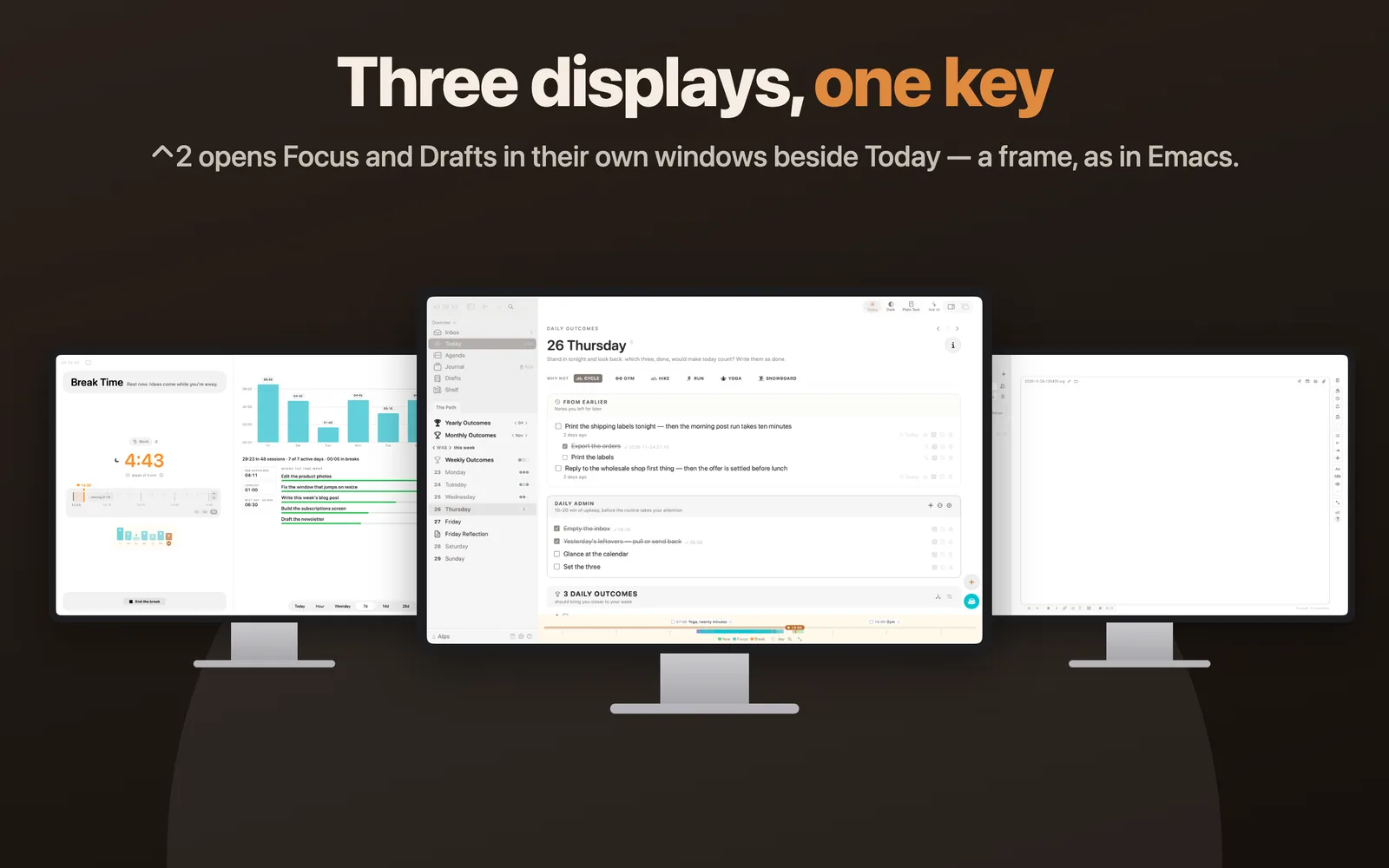
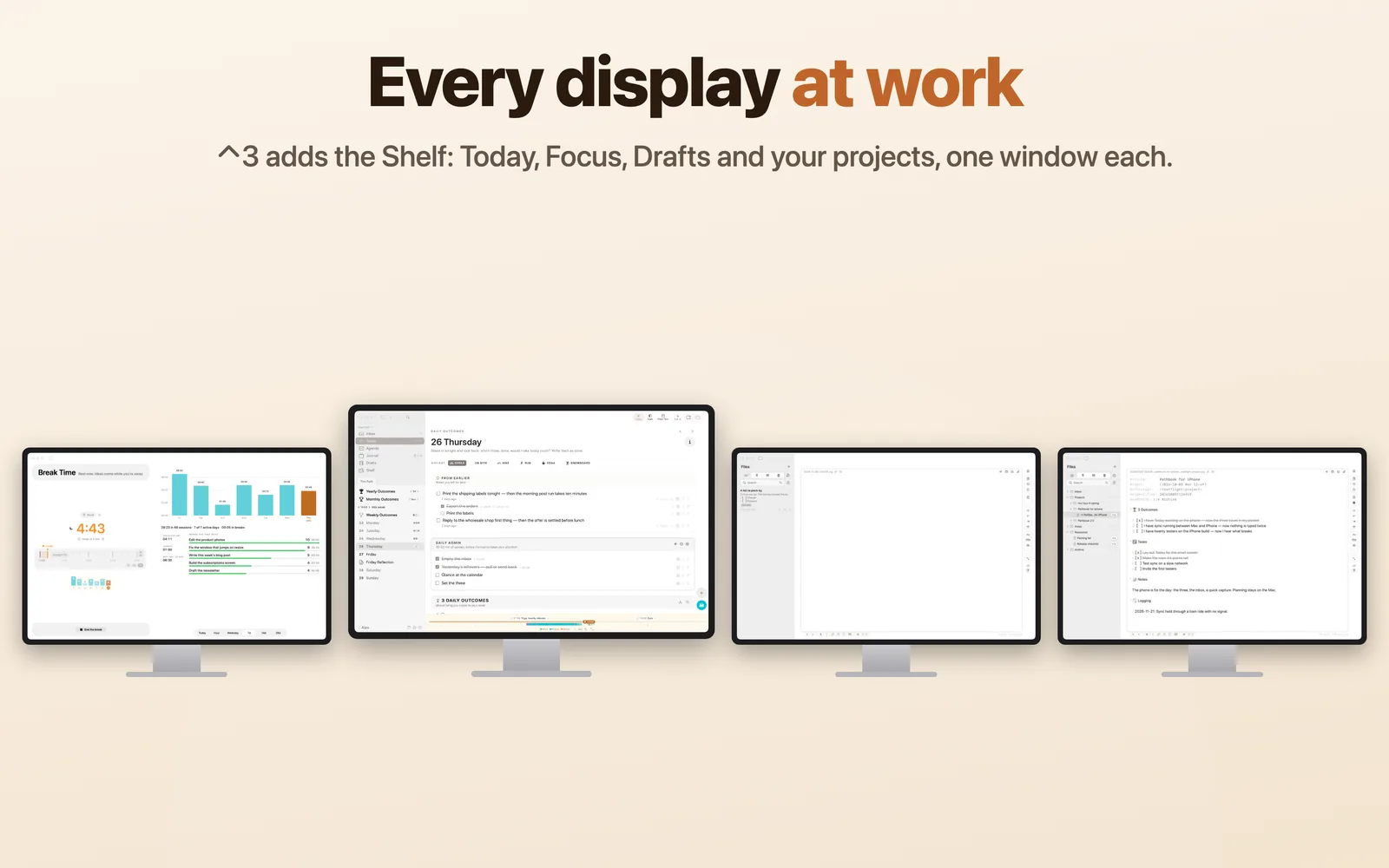
Press ⌃2 and Focus and Drafts open in their own windows beside Today, one on each display. ⌃3 adds the Shelf. A frame for each, the way Emacs splits its windows.
- ⌃1, ⌃2 and ⌃3 add Focus, then Drafts, then the Shelf beside the page; ⌃0 goes back to the page alone.
- With more than one display, each window takes a display of its own.
- Change the keys, or save frames of your own, in Settings.
Part of Tempo Pro — free to try for two weeks. On the Mac, with Apple silicon.
Questions
What is a frame in Tempo?
A set of windows that opens with one key: ⌃1 adds Focus beside the page, ⌃2 adds Drafts, ⌃3 adds the Shelf, and ⌃0 goes back to the page alone. Frames are a Mac feature.
Which Macs does Tempo run on?
Macs with Apple silicon, on macOS 26 or newer.


